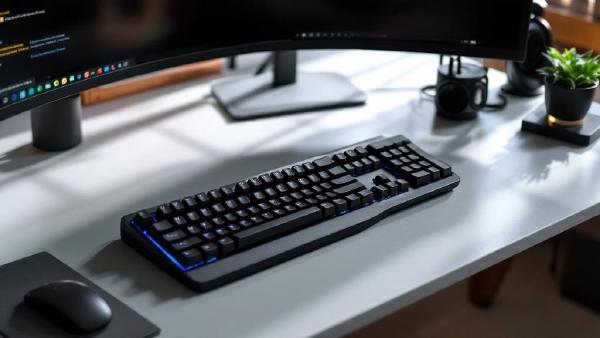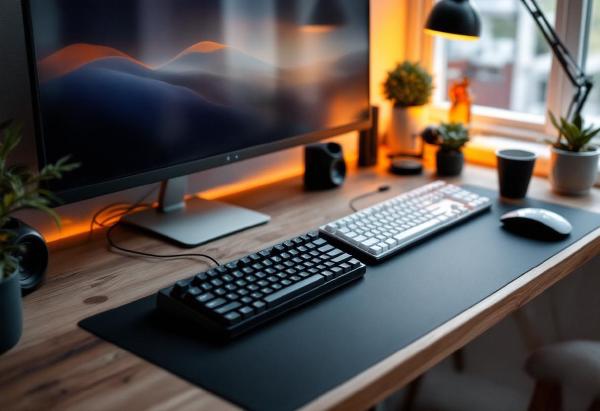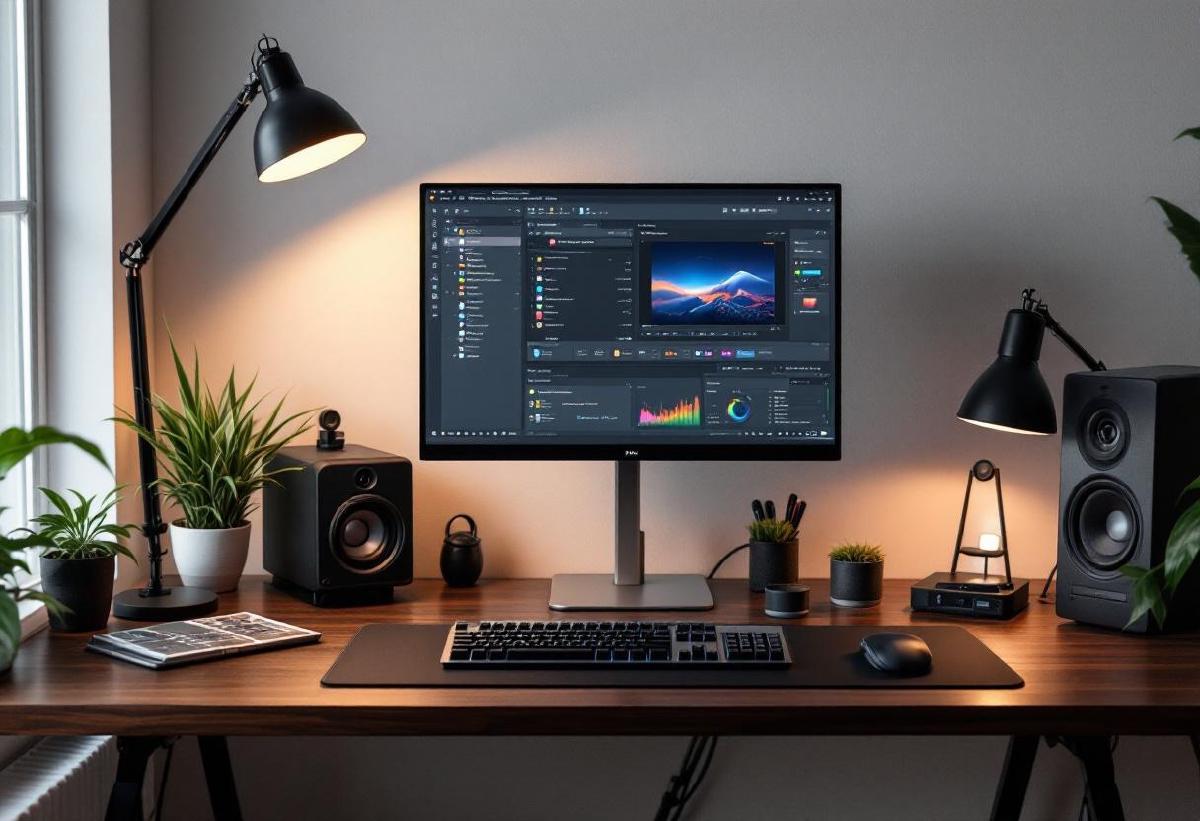
Mechanical keyboards aren’t just for gamers anymore. In fact, they’re increasingly becoming the preferred choice for office professionals who spend hours typing each day. The tactile feedback, durability, and customization options make mechanical keyboards an excellent investment for anyone serious about their workspace setup.
After testing dozens of mechanical keyboards in professional settings, we’ve compiled this comprehensive guide to the best mechanical keyboards for office use in 2026. Whether you prioritize quiet operation for open offices, wireless convenience, or premium build quality, there’s a perfect mechanical keyboard waiting for your desk.
Why Choose a Mechanical Keyboard for Office Work? #
Before diving into our recommendations, let’s explore why mechanical keyboards have become increasingly popular in professional environments:
Superior Typing Experience: Mechanical switches provide consistent tactile feedback that can improve typing accuracy and speed. Unlike membrane keyboards, each key has its own individual switch mechanism.
Durability: Quality mechanical keyboards are built to last decades, not years. Most mechanical switches are rated for 50-100 million keystrokes, far exceeding the lifespan of traditional office keyboards.
Customization: From switch types to keycaps, mechanical keyboards offer extensive customization options to match your typing preferences and aesthetic needs.
Ergonomics: Many mechanical keyboards feature better key layouts, adjustable angles, and ergonomic designs that can reduce strain during long typing sessions.
Professional Aesthetics: Modern mechanical keyboards come in sleek, professional designs that look right at home in any office environment.
Our Top 7 Mechanical Keyboards for Office Use #
1. Keychron K8 Pro - Best Overall Office Mechanical Keyboard #
Price: $109-129
The Keychron K8 Pro strikes the perfect balance between professional aesthetics, functionality, and value. This tenkeyless (TKL) layout saves desk space while maintaining all essential keys for office work.
Key Features:
- Hot-swappable switches (Gateron G Pro or Keychron K Pro)
- Wireless and wired connectivity
- Mac and Windows compatibility
- Premium aluminum construction
- South-facing PCB for better keycap compatibility
The K8 Pro’s wireless capability eliminates cable clutter, while the hot-swappable switches let you customize the typing feel without soldering. The build quality feels premium with its aluminum frame and solid construction.
Best For: Professionals who want wireless convenience with premium build quality and customization options.
Amazon Links:
2. Logitech MX Mechanical - Best for Quiet Offices #
Price: $149-169
If you work in an open office or need to minimize typing noise, the Logitech MX Mechanical is unbeatable. It combines mechanical switch benefits with whisper-quiet operation.
Key Features:
- Tactile Quiet switches (significantly quieter than traditional mechanical)
- Backlit keys with smart illumination
- Multi-device connectivity (up to 3 devices)
- Premium metal construction
- Easy-Switch buttons for device switching
The MX Mechanical’s Tactile Quiet switches provide satisfying feedback without the clicking noise that might disturb colleagues. The ability to pair with multiple devices makes it perfect for professionals juggling laptops, tablets, and desktops.
Best For: Open office environments where noise control is crucial, or users who frequently switch between multiple devices.
Amazon Links:
3. Leopold FC900R PD - Best Build Quality #
Price: $139-159
Leopold keyboards are revered in the mechanical keyboard community for their exceptional build quality and attention to detail. The FC900R PD represents the pinnacle of professional mechanical keyboard design.
Key Features:
- Cherry MX Silent Red or Brown switches
- Double-shot PBT keycaps
- Sound dampening foam
- Steel plate construction
- Minimalist professional design
Leopold’s sound dampening approach creates a premium typing experience that’s both tactile and refined. The double-shot PBT keycaps will never fade or wear out, making this keyboard a long-term investment.
Best For: Professionals who prioritize build quality and don’t need wireless connectivity or RGB lighting.
Amazon Links:
4. Ducky One 3 TKL - Best Value Professional Keyboard #
Price: $99-119
Ducky keyboards offer exceptional value without compromising on quality. The One 3 TKL provides professional features at a more accessible price point.
Key Features:
- Cherry MX or Ducky Own switches
- Double-shot PBT keycaps
- Hot-swappable switches
- USB-C connectivity
- Clean, professional aesthetic
The Ducky One 3 TKL punches above its weight class with premium materials and construction typically found in more expensive keyboards. The hot-swappable design allows for easy customization.
Best For: Budget-conscious professionals who don’t want to compromise on quality or features.
Amazon Links:
5. Kinesis Freestyle Edge RGB - Best Ergonomic Option #
Price: $199-229
For professionals dealing with wrist strain or wanting to optimize their ergonomics, the Kinesis Freestyle Edge offers a unique split design that can be positioned for natural hand placement.
Key Features:
- Split ergonomic design
- Adjustable tent kit available
- Cherry MX switches
- Macro programming capabilities
- Professional gaming switches optimized for typing
The split design allows each hand to be positioned naturally, reducing strain and improving comfort during long typing sessions. The separation distance is adjustable from 0-20 inches.
Best For: Professionals with existing wrist issues or those prioritizing ergonomic comfort above all else.
Amazon Links:
6. Das Keyboard 4 Professional - Best for Heavy Typists #
Price: $159-179
The Das Keyboard 4 Professional is built for professionals who type extensively throughout the day. Its robust construction and premium switches make it ideal for heavy daily use.
Key Features:
- Cherry MX Blue or Brown switches
- Dedicated media controls
- Two USB 3.0 hub ports
- Laser-etched keycaps
- Solid aluminum top panel
The integrated USB hub is particularly useful for connecting other office peripherals, and the media controls provide convenient audio management during video calls or presentations.
Best For: Heavy typists who need robust construction and appreciate integrated USB hub functionality.
Amazon Links:
7. Varmilo VA108M - Best Premium Professional Design #
Price: $179-199
Varmilo keyboards are known for their artistic designs and premium materials. The VA108M offers sophisticated aesthetics that complement high-end office setups.
Key Features:
- Cherry MX switches
- Premium dye-sublimated PBT keycaps
- Sound dampening design
- Multiple colorway options
- Professional themed designs available
Varmilo’s attention to aesthetic detail makes their keyboards stand out in professional environments. The dye-sublimated keycaps are practically indestructible and maintain their appearance indefinitely.
Best For: Executives and professionals who want their keyboard to make a sophisticated design statement.
Amazon Links:
Comparison Table: Key Features at a Glance #
| Keyboard | Price | Switch Type | Wireless | Layout | Best Feature |
|---|---|---|---|---|---|
| Keychron K8 Pro | $109-129 | Hot-swap Gateron/K Pro | Yes | TKL | Wireless + customization |
| Logitech MX Mechanical | $149-169 | Tactile Quiet | Yes | Full/TKL | Whisper quiet operation |
| Leopold FC900R PD | $139-159 | Cherry MX Silent | No | Full | Premium build quality |
| Ducky One 3 TKL | $99-119 | Cherry MX/Ducky | No | TKL | Best value proposition |
| Kinesis Freestyle Edge | $199-229 | Cherry MX | No | Split | Ergonomic design |
| Das Keyboard 4 Pro | $159-179 | Cherry MX | No | Full | USB hub + media controls |
| Varmilo VA108M | $179-199 | Cherry MX | No | Full | Premium aesthetics |
Choosing the Right Switch Type for Office Work #
The switch type dramatically affects your typing experience. Here’s what to consider for office environments:
Tactile Switches (Brown, Clear): Provide feedback without click noise. Ideal for offices where some noise is acceptable but you want typing feedback.
Linear Switches (Red, Black): Smooth keystroke without tactile bump or click. Quietest option and great for fast typing.
Silent Switches (Silent Red, Silent Brown): Tactile or linear switches with dampening to reduce noise. Perfect for open offices.
Clicky Switches (Blue, Green): Loud and tactile. Generally avoid for office environments unless you work alone.
Essential Features for Office Mechanical Keyboards #
Connectivity Options #
Modern office keyboards should offer flexible connectivity. Wireless options reduce desk clutter, while wired connections ensure zero latency. Look for keyboards that offer both options.
Professional Aesthetics #
Your keyboard should complement your workspace. Avoid overly flashy designs or excessive RGB lighting in professional settings. Clean, minimalist designs work best.
Build Quality #
Office keyboards endure heavy daily use. Look for keyboards with:
- Solid construction (aluminum or high-quality plastic)
- Quality switches (Cherry MX, Gateron, or equivalent)
- Durable keycaps (PBT preferred over ABS)
Size Considerations #
Full-Size: Includes numeric keypad. Essential if you work with numbers frequently. Tenkeyless (TKL): Removes numpad for more desk space and better mouse positioning. Compact (60-65%): Ultra-minimal design. Consider only if desk space is extremely limited.
Maintenance Tips for Office Mechanical Keyboards #
Regular Cleaning: Use compressed air weekly to remove debris between keys. Monthly deep cleaning with keycap removal keeps your keyboard looking professional.
Switch Lubrication: For premium typing feel, consider having switches professionally lubricated annually.
Keycap Replacement: PBT keycaps are virtually indestructible, but if using ABS keycaps, replacement sets can refresh your keyboard’s appearance.
Cable Management: If using a wired keyboard, proper cable routing maintains a clean desk appearance.
Budget Considerations and Value Propositions #
Under $100: The Ducky One 3 TKL offers exceptional value with premium features typically found in more expensive keyboards.
$100-150: This sweet spot includes keyboards like the Keychron K8 Pro and Leopold FC900R PD, offering premium materials and construction.
$150-200: Premium tier featuring specialized designs like the Logitech MX Mechanical or Das Keyboard 4 Professional with unique features.
$200+: Ultra-premium keyboards like the Kinesis Freestyle Edge for specialized ergonomic needs or Varmilo VA108M for luxury aesthetics.
Integration with Your Office Setup #
Consider how your mechanical keyboard will integrate with your existing setup:
Monitor Setup: If using multiple monitors, ensure your keyboard placement allows comfortable viewing angles.
Desk Space: Coordinate with your desk accessories to maintain an organized workspace.
Cable Management: Factor in your cable management solution when choosing wired vs. wireless options.
Mouse Compatibility: Ensure proper spacing for your office mouse setup.
Frequently Asked Questions #
Are mechanical keyboards too loud for office use? #
Not necessarily. Silent mechanical switches and tactile switches are significantly quieter than clicky switches. Options like the Logitech MX Mechanical are designed specifically for quiet office environments.
Do I need a full-size keyboard for office work? #
This depends on your specific work requirements. If you frequently input numbers, a full-size keyboard with numpad is beneficial. Otherwise, tenkeyless (TKL) keyboards save desk space and can improve ergonomics by allowing better mouse positioning.
How long do mechanical keyboards last compared to membrane keyboards? #
Mechanical keyboards typically last 10-20 years with heavy daily use, compared to 2-3 years for membrane keyboards. The individual switches are rated for 50-100 million keystrokes.
Can I use a mechanical keyboard with my laptop? #
Yes, mechanical keyboards work with laptops via USB or wireless connection. Many professionals prefer using an external mechanical keyboard with their laptop for improved comfort and productivity.
Are wireless mechanical keyboards reliable for professional use? #
Modern wireless mechanical keyboards offer excellent reliability. Look for keyboards with 2.4GHz wireless dongles rather than Bluetooth-only options for the most stable connection.
Do mechanical keyboards require special maintenance? #
Basic maintenance involves regular cleaning with compressed air and occasional keycap removal for deep cleaning. Unlike membrane keyboards, individual switches can be replaced if needed, extending the keyboard’s lifespan significantly.
What’s the difference between Cherry MX and other switch brands? #
Cherry MX switches are the gold standard, known for consistency and reliability. Other brands like Gateron, Kailh, and proprietary switches can offer similar or sometimes superior performance at different price points.
Conclusion: Choosing Your Perfect Office Mechanical Keyboard #
The best mechanical keyboard for your office setup depends on your specific needs, work environment, and personal preferences. For most professionals, we recommend starting with the Keychron K8 Pro for its excellent balance of features, build quality, and wireless convenience.
If noise is a primary concern, the Logitech MX Mechanical is unmatched in quiet operation while maintaining mechanical benefits. Budget-conscious buyers will find exceptional value in the Ducky One 3 TKL, while those prioritizing ultimate build quality should consider the Leopold FC900R PD.
Remember that a quality mechanical keyboard is an investment in your daily productivity and comfort. With proper care, these keyboards will serve you reliably for years to come, making the initial investment worthwhile for any professional who spends significant time typing.
Whether you’re upgrading from a membrane keyboard or replacing an older mechanical model, any of our recommended keyboards will significantly enhance your office typing experience. Consider your workspace requirements, aesthetic preferences, and budget to find the perfect mechanical keyboard for your professional needs.