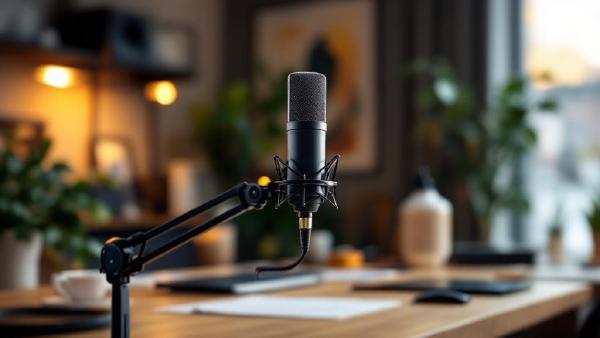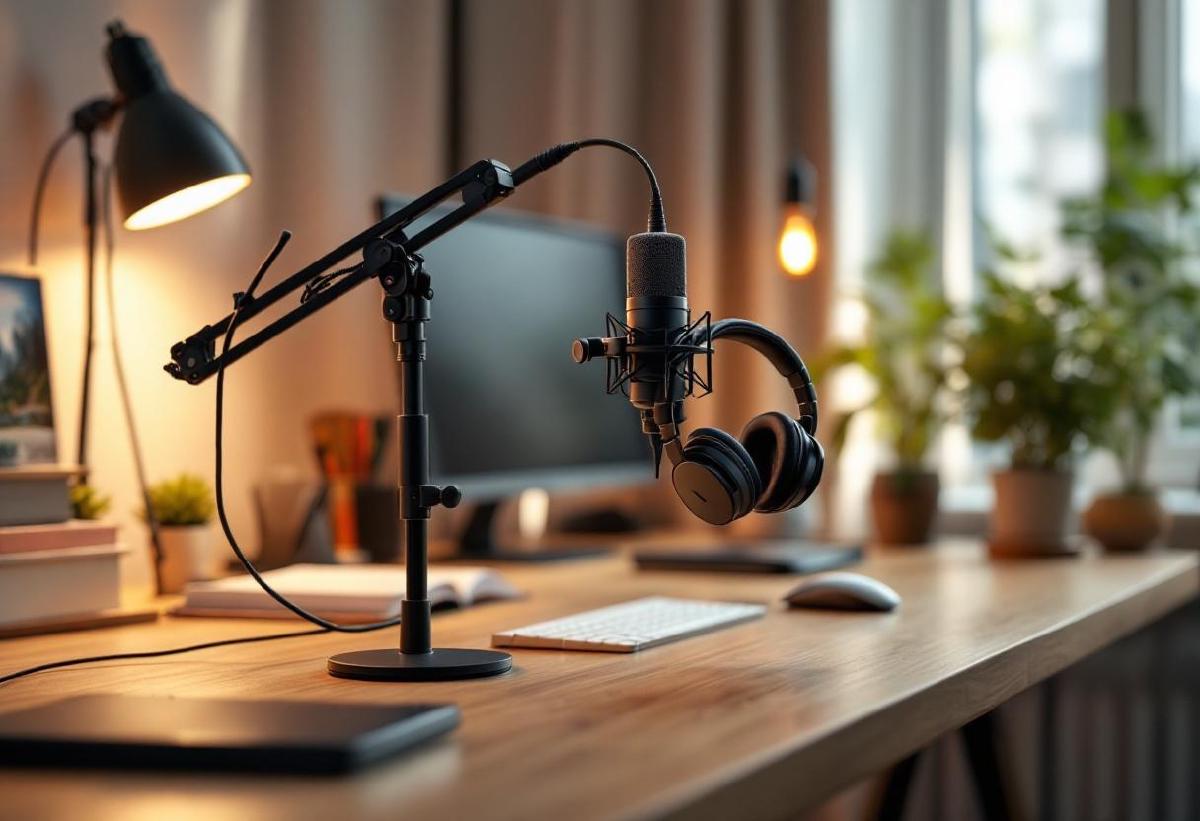
When setting up your home office for remote work, one of the most important decisions you’ll make is choosing the right microphone setup. Your voice quality can make or break professional video calls, streaming sessions, and virtual presentations. But should you invest in a dedicated desk microphone or stick with a headset microphone?
This comprehensive comparison will help you understand the key differences between desk microphones and headset microphones, so you can choose the best audio solution for your specific needs and budget.
Quick Comparison Overview #
| Feature | Desk Microphone | Headset Microphone |
|---|---|---|
| Audio Quality | Superior | Good |
| Convenience | Moderate | Excellent |
| Price Range | $50-$500+ | $30-$300 |
| Setup Complexity | Moderate to High | Low |
| Mobility | Low | High |
| Professional Look | Excellent | Good |
| Best For | Streaming, podcasting, long calls | General meetings, mobility |
Desk Microphones: The Professional Choice #
What Are Desk Microphones? #
Desk microphones are standalone audio devices that sit on your desk, often mounted on boom arms or desktop stands. They range from simple USB plug-and-play models to professional XLR microphones requiring audio interfaces.
Top Desk Microphone Recommendations #
1. Audio-Technica AT2020USB+ ($169) #
The AT2020USB+ is a studio-grade condenser microphone that delivers professional audio quality for home offices.
Key Features:
- Side-address condenser design
- Built-in headphone jack for zero-latency monitoring
- Plug-and-play USB connectivity
- Excellent frequency response (20-20,000 Hz)
Best For: Content creators, professionals who want broadcast-quality audio
Buy on Amazon US | Buy on Amazon UK
2. Blue Yeti Nano ($99) #
A compact yet powerful USB microphone that offers great value for home office use.
Key Features:
- Cardioid and omnidirectional pickup patterns
- Real-time LED meter
- No-latency headphone monitoring
- Easy plug-and-play setup
Best For: Video calls, casual content creation, budget-conscious users
Buy on Amazon US | Buy on Amazon UK
3. Shure SM7B + Audio Interface ($459 + $150) #
The gold standard for professional broadcasting and content creation.
Key Features:
- Dynamic microphone (requires phantom power)
- Exceptional noise rejection
- Broadcast-quality sound
- Built-in pop filter
Best For: Serious content creators, podcasters, streamers
Buy on Amazon US | Buy on Amazon UK
4. Rode PodMic USB ($199) #
A dynamic USB microphone designed specifically for podcasting and broadcasting.
Key Features:
- Dynamic capsule with internal shock mounting
- Rich, warm sound quality
- Built-in pop shield
- Zero-latency headphone output
Best For: Podcasters, content creators, professional calls
Buy on Amazon US | Buy on Amazon UK
5. Samson Q2U ($89) #
A versatile dynamic microphone that works with both USB and XLR connections.
Key Features:
- Dual USB/XLR connectivity
- Dynamic capsule reduces background noise
- Built-in headphone monitoring
- Cardioid pickup pattern
Best For: Versatile users, budget-conscious professionals
Buy on Amazon US | Buy on Amazon UK
Advantages of Desk Microphones #
Superior Audio Quality Desk microphones typically offer better audio quality than headset microphones. They have larger diaphragms, better components, and more advanced signal processing. This results in:
- Clearer voice reproduction
- Better frequency response
- Lower noise floor
- More natural sound
Professional Appearance A quality desk microphone creates a professional impression during video calls. Many business leaders and content creators prefer the authoritative look of a dedicated microphone setup.
Flexibility in Positioning With a boom arm, you can position a desk microphone optimally for your voice while keeping it out of your video frame. This flexibility isn’t possible with headset microphones.
No Comfort Issues Unlike headsets, desk microphones don’t cause head fatigue, ear discomfort, or hair styling issues during long work sessions.
Future-Proofing High-quality desk microphones can grow with your needs. Many can be upgraded with better preamps, audio interfaces, or processing equipment.
Disadvantages of Desk Microphones #
Higher Cost Quality desk microphones cost more than headset microphones. When you factor in boom arms, pop filters, and potentially audio interfaces, the investment can be significant.
Setup Complexity Desk microphones require more setup and optimization. You’ll need to consider positioning, gain settings, and potentially acoustic treatment.
Less Mobility Once positioned, desk microphones are less convenient for impromptu calls or when you need to move around during conversations.
Pickup of Room Noise Most desk microphones are more sensitive to background noise, keyboard typing, and room acoustics compared to headset microphones positioned close to your mouth.
Headset Microphones: The Convenient Choice #
What Are Headset Microphones? #
Headset microphones combine headphones and a microphone in one device. They range from basic wired headsets to premium wireless models with noise-canceling features.
Top Headset Microphone Recommendations #
1. SteelSeries Arctis 7P ($149) #
A premium wireless gaming headset that excels for work calls.
Key Features:
- 2.4GHz wireless connectivity
- Excellent microphone quality
- Comfortable for long sessions
- 24-hour battery life
Best For: Users who want wireless freedom and gaming capabilities
Buy on Amazon US | Buy on Amazon UK
2. HyperX Cloud Alpha ($99) #
A wired headset known for exceptional build quality and audio clarity.
Key Features:
- Dual chamber drivers
- Detachable noise-canceling microphone
- Aluminum frame construction
- Comfortable memory foam
Best For: Budget-conscious users who prioritize comfort and quality
Buy on Amazon US | Buy on Amazon UK
3. Logitech G Pro X ($129) #
A professional-grade headset designed for competitive use but excellent for work.
Key Features:
- Blue Voice filters for professional sound
- PRO-G drivers
- Memory foam earpads
- Detachable microphone
Best For: Users who want professional features in a gaming-style headset
Buy on Amazon US | Buy on Amazon UK
4. Jabra Evolve2 65 ($229) #
A business-focused wireless headset with excellent call quality.
Key Features:
- Active noise cancellation
- Busy light indicator
- Microsoft Teams certification
- 37-hour battery life
Best For: Business professionals, frequent callers
Buy on Amazon US | Buy on Amazon UK
5. Corsair HS80 RGB Wireless ($149) #
A premium wireless headset with spatial audio capabilities.
Key Features:
- Dolby Audio spatial sound
- Omnidirectional microphone
- 20-hour battery life
- Premium leatherette memory foam
Best For: Content consumers who also need good microphone quality
Buy on Amazon US | Buy on Amazon UK
Advantages of Headset Microphones #
Simplicity and Convenience Headset microphones are plug-and-play solutions. No complex setup, positioning, or optimization required. Perfect for users who want immediate functionality.
Noise Isolation The microphone positioned close to your mouth provides excellent isolation from background noise, making your voice clear even in noisy environments.
Mobility Wireless headsets offer complete freedom of movement during calls. You can walk around, gesture naturally, or multitask without losing audio quality.
Lower Entry Cost Quality headset microphones cost less than equivalent desk microphone setups. This makes them accessible for users on tighter budgets.
Space Efficiency Headsets don’t require desk space, boom arms, or additional accessories. This is crucial for smaller home office setups.
Disadvantages of Headset Microphones #
Comfort Limitations Extended headset use can cause fatigue, ear discomfort, and hair styling issues. This is particularly problematic for users in long meetings.
Audio Quality Limitations While good headset microphones exist, they generally can’t match the audio quality of dedicated desk microphones due to size and positioning constraints.
Professional Appearance Some headsets can look unprofessional on video calls, especially gaming-oriented models with flashy designs.
Battery Dependency Wireless headsets require regular charging and can fail at inconvenient times if the battery dies.
Head-to-Head Comparison #
Audio Quality Winner: Desk Microphone #
Desk microphones consistently deliver superior audio quality. Their larger diaphragms, better components, and optimal positioning create clearer, more professional-sounding voice reproduction. While premium headset microphones can sound very good, they can’t match the clarity and richness of a quality desk microphone.
Convenience Winner: Headset Microphone #
For pure convenience, headset microphones win hands-down. They’re ready to use instantly, offer mobility, and don’t require desk setup or positioning. This makes them ideal for users who value simplicity and flexibility.
Value Winner: Depends on Usage #
- For occasional calls: Headset microphones offer better value
- For professional content creation: Desk microphones justify their higher cost
- For daily remote work: Either can be justified depending on priorities
Professional Use Winner: Desk Microphone #
In professional settings where audio quality matters most—like client calls, presentations, or content creation—desk microphones create a better impression and deliver superior results.
Use Case Scenarios #
Choose a Desk Microphone If You: #
- Conduct frequent video calls or presentations
- Create content (streaming, podcasting, YouTube)
- Work in a relatively quiet environment
- Value audio quality over convenience
- Have dedicated desk space for equipment
- Want to make a professional impression
- Experience discomfort with headsets
Choose a Headset Microphone If You: #
- Need mobility during calls
- Work in noisy environments
- Have limited desk space
- Prioritize convenience and simplicity
- Take calls outside your primary workspace
- Are on a tight budget
- Also need quality audio for media consumption
Setup and Optimization Tips #
Optimizing Desk Microphones #
Positioning
- Keep the microphone 6-8 inches from your mouth
- Position it slightly to the side to avoid breathing directly into it
- Use a boom arm for optimal positioning flexibility
Acoustic Treatment
- Add soft furnishings to reduce echo
- Consider a foam windscreen or pop filter
- Position away from hard, reflective surfaces
Gain Settings
- Start with low gain and increase gradually
- Monitor your levels to avoid clipping
- Use software compression if available
Optimizing Headset Microphones #
Positioning
- Keep the microphone close to your mouth (about 1 inch away)
- Position it to the side of your mouth to avoid breathing noise
- Adjust the boom arm for optimal placement
Environment
- Take advantage of the noise isolation by speaking normally
- Avoid adjusting the headset during calls
- Keep wireless headsets charged
Budget Considerations #
Entry-Level ($30-$100) #
Headset Options:
- HyperX Cloud Stinger ($49)
- Corsair HS60 Surround ($69)
Desk Microphone Options:
- Audio-Technica ATR2100x-USB ($69)
- Blue Snowball iCE ($49)
Mid-Range ($100-$200) #
Headset Options:
- SteelSeries Arctis 7P ($149)
- Logitech G Pro X ($129)
Desk Microphone Options:
- Audio-Technica AT2020USB+ ($169)
- Blue Yeti Nano ($99) + boom arm ($30)
Premium ($200+) #
Headset Options:
- Jabra Evolve2 85 ($349)
- SennHeiser Momentum 3 Wireless ($299)
Desk Microphone Options:
- Shure SM7B ($459) + audio interface ($150)
- Electro-Voice RE20 ($449) + preamp ($200)
Future-Proofing Your Choice #
Desk Microphones Scale Better #
Quality desk microphones can grow with your needs. You can:
- Upgrade preamps and audio interfaces
- Add processing equipment
- Improve acoustic treatment
- Switch between USB and XLR connectivity
Headsets Are More Disposable #
Headset microphones typically need replacement every 2-3 years due to:
- Battery degradation (wireless models)
- Wear on moving parts
- Changes in technology standards
- Physical wear from daily use
Frequently Asked Questions #
Can I use both a desk microphone and headphones? #
Absolutely! This combination gives you the best audio quality for your voice while allowing you to clearly hear others. Many professionals use this setup for optimal performance.
Do desk microphones pick up keyboard noise? #
Most desk microphones will pick up some keyboard noise, especially mechanical keyboards. You can minimize this by:
- Using a dynamic microphone instead of a condenser
- Positioning the microphone optimally
- Using noise suppression software
- Choosing quieter keyboards
Are wireless headsets reliable for important calls? #
Modern wireless headsets are generally reliable, but they can suffer from:
- Battery failure
- Connectivity issues
- Audio latency
- Interference from other devices
For critical calls, wired connections are more reliable.
How much should I spend on a microphone for working from home? #
For occasional calls: $50-$100 For daily remote work: $100-$200 For content creation: $200-$500+
Can I improve headset microphone quality with software? #
Yes! Software like OBS filters, VoiceMeeter, or built-in platform noise suppression can significantly improve headset microphone quality. However, software can’t overcome fundamental hardware limitations.
Do I need an audio interface for a desk microphone? #
USB microphones don’t require an audio interface and are perfect for most home office users. XLR microphones need an audio interface but offer more upgradeability and professional features.
The Bottom Line #
Choose a desk microphone if you prioritize audio quality, have a dedicated workspace, and want a professional setup that can grow with your needs. They’re ideal for content creators, frequent presenters, and anyone who values superior voice clarity.
Choose a headset microphone if you prioritize convenience, need mobility, work in various locations, or have budget constraints. They’re perfect for general remote workers, gamers, and anyone who wants a simple all-in-one solution.
Remember, the best microphone setup is the one you’ll actually use consistently. Consider your specific workflow, budget, and priorities when making this important decision for your home office audio setup.
Looking for more home office audio tips? Check out our guides on the best headphones for working from home and setting up the perfect home office., boom arm