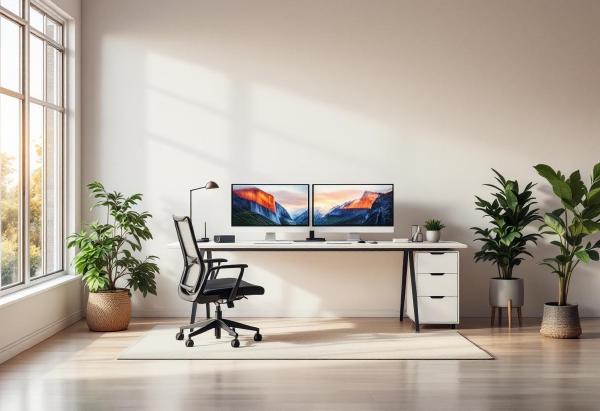
If you’re working from home with multiple monitors, a side project, or just need room to spread out, a standard rectangular desk starts feeling cramped fast. An L-shaped desk gives you roughly 50–70% more surface area while tucking neatly into a corner — making it the most space-efficient upgrade for a dedicated home office.
The problem? The market is flooded with wobbly, particle-board nightmares dressed up with lifestyle photography. We dug through the noise to find 6 L-shaped desks that are actually worth buying in 2026, from a $150 budget pick to a premium sit-stand powerhouse.
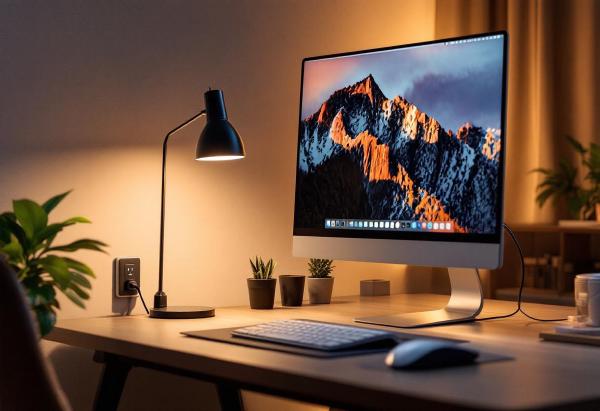
A smart plug might be the most underrated home office upgrade. Plug your desk lamp, monitor, speakers, or desk fan into one, and suddenly you can turn your entire desk setup on or off with a voice command, a phone tap, or an automated schedule. No more reaching behind your desk to flip power strips, no more leaving monitors on standby overnight drawing phantom power.
The real productivity benefit? Automation. Set your desk lights and monitor to turn on five minutes before your workday starts. Have everything shut off automatically at 6pm. Track how much energy your home office actually uses (it’s probably more than you think).
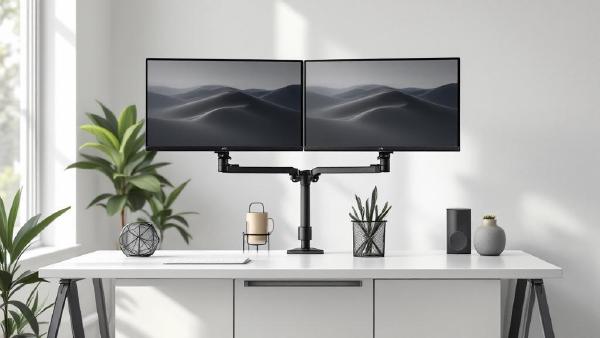
A monitor arm is one of the highest-impact upgrades you can make to a home office. The stock stand that ships with most monitors is designed for one thing: holding the screen upright on a shelf at Best Buy. It wasn’t engineered for your desk, your posture, or your workflow. A proper monitor arm reclaims the entire footprint of that stand — often 8×10 inches of prime desk real estate — and lets you position your screen at exactly the right height, depth, and angle for comfortable all-day viewing.
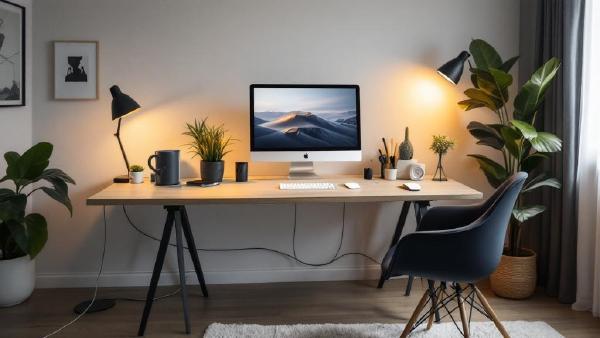
Cable clutter is the difference between a desk that looks professional and one that looks like a server room exploded. And it’s not just aesthetics — tangled cables are harder to troubleshoot, collect dust, restrict airflow, and make cleaning underneath your desk an ordeal. If you’ve invested in quality peripherals and a proper standing desk, spending $20–40 on cable management completes the setup.
The good news is that cable management doesn’t have to be complicated. A combination of two or three solutions — a cable tray, some Velcro ties, and maybe a cable box — can transform a messy desk into a clean one in under an hour. No special skills required.
Your webcam microphone sounds terrible. Your headset mic is better, but you’re tired of wearing headphones for 8 hours. A dedicated USB microphone is the upgrade that makes you sound professional on every call — without anything on your head.
The difference on video calls is immediate. Colleagues stop asking “can you repeat that?” Background noise disappears. Your voice sounds full, clear, and present. For anyone doing regular Zoom, Teams, or Google Meet calls, a good USB mic is one of the highest-impact home office upgrades you can make.
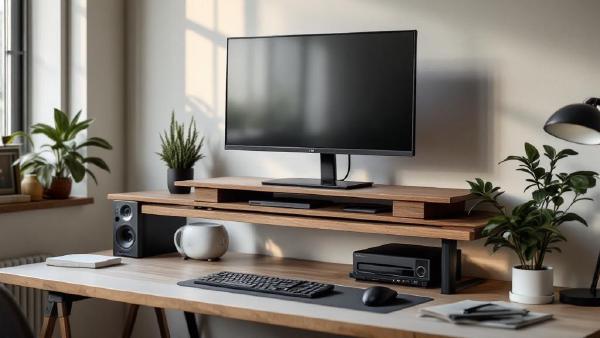
A monitor arm is the gold standard for screen positioning, but a monitor riser does 80% of the job at 20% of the cost — and doubles as desk storage. If your screen sits directly on the desk, you’re looking down at it, and that forward head tilt causes neck strain, shoulder tension, and headaches over time. A riser brings the top of your screen to eye level, which is where ergonomics guidelines say it should be.
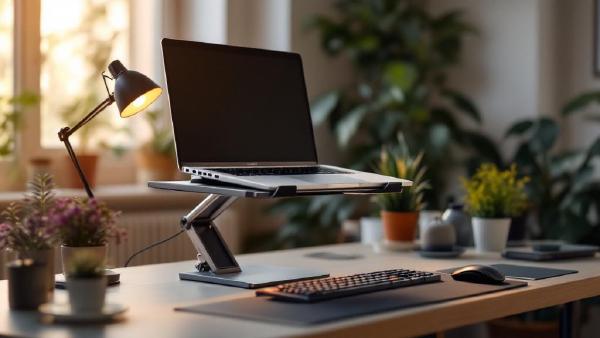
Introduction # If you work from a laptop for any serious amount of time, you’ve probably noticed the problem: the screen is too low. Your neck tilts forward, your shoulders hunch, and after a few hours you’ve got that familiar ache running from the base of your skull down between your shoulder blades. It’s not your imagination — laptop ergonomics are genuinely terrible by design. The keyboard and screen are attached, which means if one is at the right height, the other isn’t.