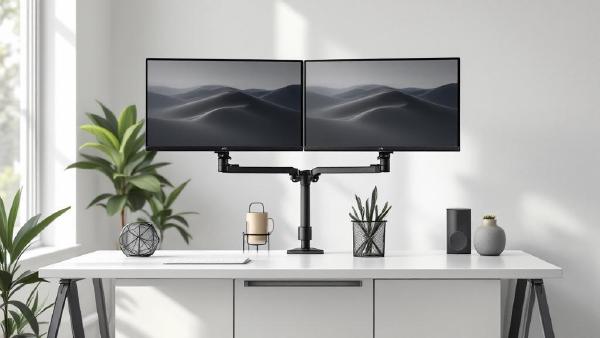
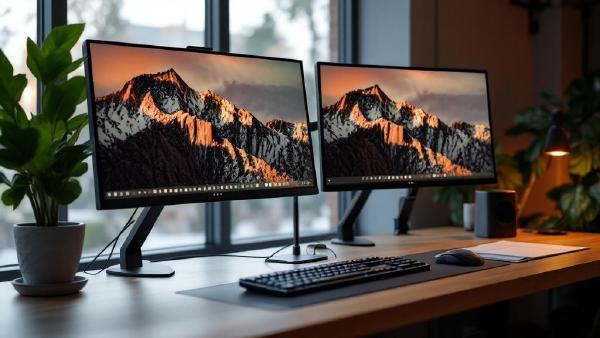
A monitor arm is one of the highest-impact upgrades you can make to a home office. The stock stand that ships with most monitors is designed for one thing: holding the screen upright on a shelf at Best Buy. It wasn’t engineered for your desk, your posture, or your workflow. A proper monitor arm reclaims the entire footprint of that stand — often 8×10 inches of prime desk real estate — and lets you position your screen at exactly the right height, depth, and angle for comfortable all-day viewing.
A dual monitor setup is one of the biggest productivity upgrades you can make to your home office. Research from the University of Utah found that dual monitors increase productivity by 20-30% for knowledge workers. Having your email or chat on one screen while working on a document, spreadsheet, or design on the other eliminates the constant alt-tabbing that fragments your focus.
This guide walks you through everything you need to set up dual monitors — from choosing the right hardware to configuring display settings and positioning your screens ergonomically. If you’re still shopping for monitors, check our best monitors for working from home guide first.