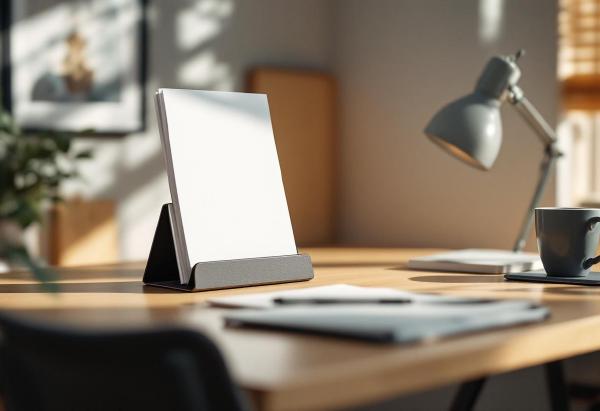
A quality document holder transforms your workspace ergonomics by positioning reference materials at eye level, reducing neck strain and improving overall posture during extended work sessions. These essential desk accessories eliminate the need to constantly look down at papers, preventing the “tech neck” syndrome that affects millions of office workers.
Professional document holders range from simple inclined stands to sophisticated adjustable systems with multiple viewing angles. The right choice depends on document types, desk space constraints, and specific ergonomic requirements. Whether reviewing contracts, referencing printed materials, or following step-by-step instructions, a properly positioned document holder enhances both comfort and productivity.
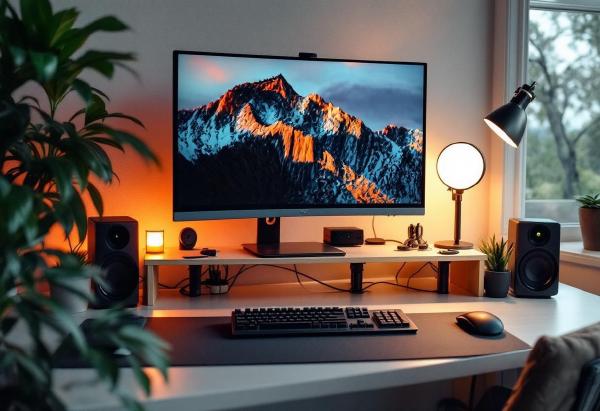
The Ultimate Ergonomic Desk Setup Checklist: Your Guide to Workplace Wellness # Poor desk ergonomics affect millions of remote workers, causing back pain, neck strain, and decreased productivity. Whether you’re setting up a new home office or optimizing your existing workspace, this comprehensive checklist will help you create an ergonomically sound environment that supports your health and enhances your performance.
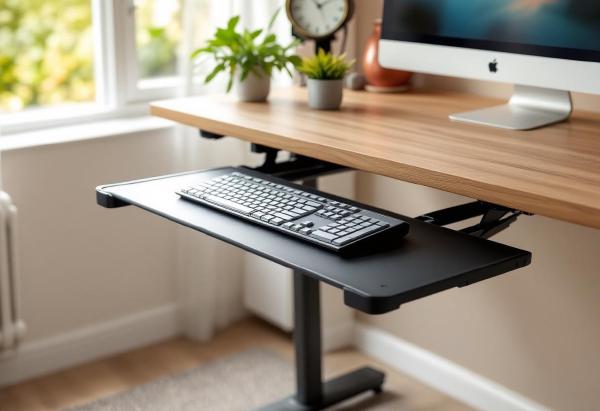
Your desk is the wrong height for typing. Almost certainly.
Standard desks are 28-30 inches tall. The ergonomically correct typing height — where your elbows are at 90 degrees and your wrists are neutral — is typically 26-28 inches for most people. That 2-4 inch gap means your shoulders are slightly raised, your wrists are slightly extended, and after eight hours of this, your body lets you know about it.
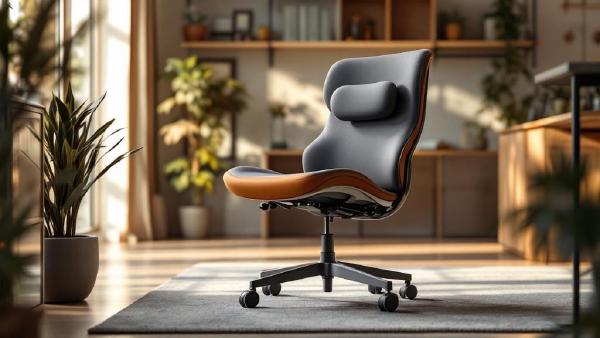
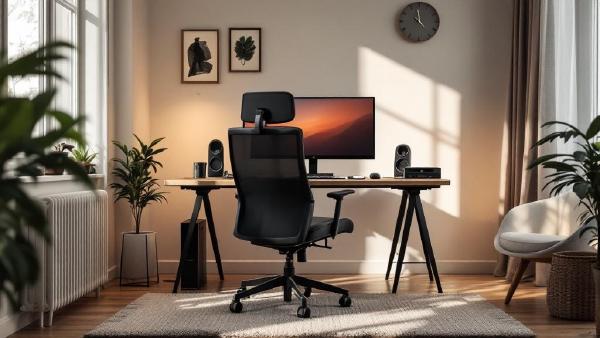
Back pain is the number one complaint among home office workers, and your chair is almost always the culprit. A cheap chair with flat lumbar support — or no lumbar support at all — forces your spine into a C-shape that compresses discs and strains muscles over hours of sitting.
The right chair maintains your spine’s natural S-curve with adjustable lumbar support, proper seat depth, and enough recline to shift pressure throughout the day. You don’t need to spend $1,500 — but you do need to spend wisely.
Bad posture is the home office epidemic nobody talks about enough. When you worked in an office, you at least had a purpose-built chair and a desk at the right height. At home, you might be hunched over a laptop on the kitchen table — and your body is keeping score.
The good news: you don’t need to spend thousands to fix your posture. Most improvements come from adjusting what you already have, building a few habits, and adding one or two key products. This guide covers everything that actually works, based on ergonomic research and real-world home office experience.
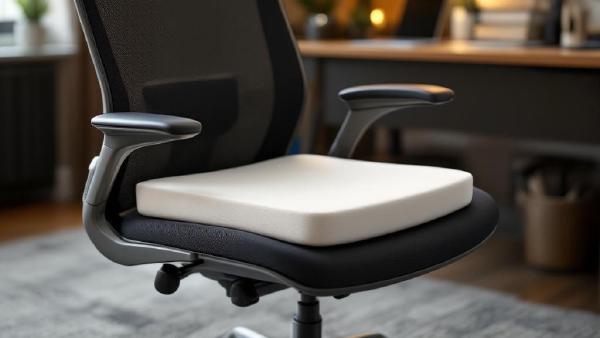
Even the best ergonomic chair can feel punishing after eight hours. An office chair cushion adds pressure relief, tailbone support, and temperature regulation — often for under $50. If you’re stuck with a mediocre chair (or a kitchen chair that’s been “temporary” for three years), a quality seat cushion is the cheapest ergonomic upgrade you can make.
We evaluated cushions on pressure distribution, durability after 6+ months of daily use, cover washability, and whether they actually stay put on the chair. Here are the seven best office chair cushions for 2026.