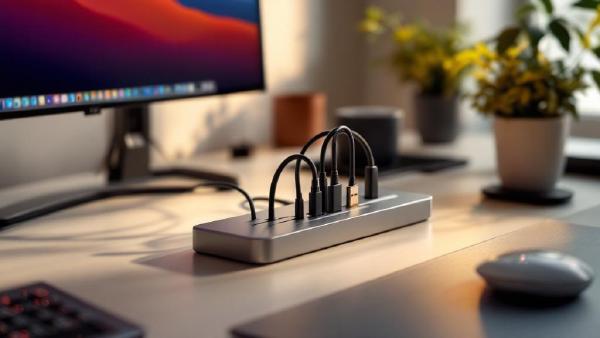
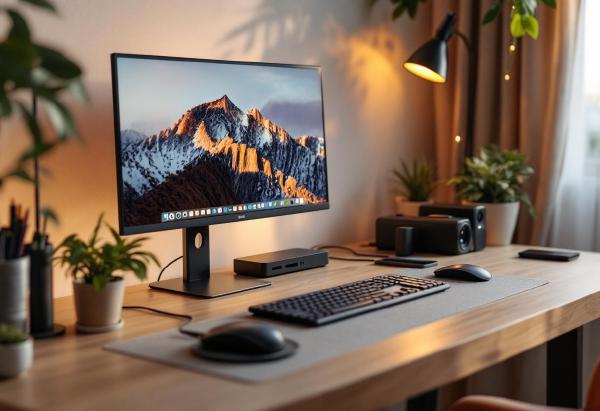
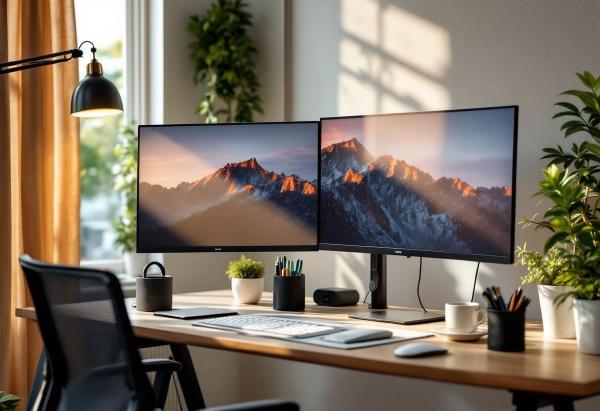
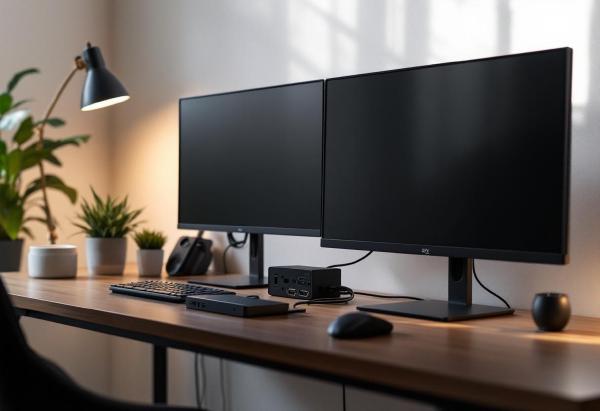
Your laptop is powerful, but it’s trapped by its limited ports. A quality USB-C docking station transforms your portable computer into a desktop powerhouse, connecting multiple monitors, peripherals, and power through a single cable. The result? True one-cable convenience where you can disconnect and go mobile in seconds.
The best USB-C docking stations provide reliable connectivity, sufficient power delivery, and future-proof port selection. We’ve tested seven top docking stations in 2026, covering everything from premium Thunderbolt 4 hubs to budget-friendly USB-C options.
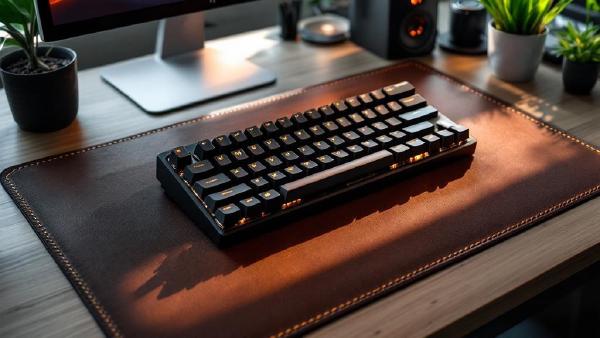
Your keyboard is the primary interface between your thoughts and your screen. If you’re using the flimsy membrane keyboard that came with your computer — or worse, typing on a laptop keyboard for eight hours straight — you’re missing out on speed, comfort, and long-term wrist health.
A quality keyboard transforms your typing experience with tactile feedback, reduces finger fatigue, and can prevent repetitive strain injuries. We’ve tested seven of the best keyboards for working from home in 2026, covering mechanical, ergonomic, and wireless options across every budget.
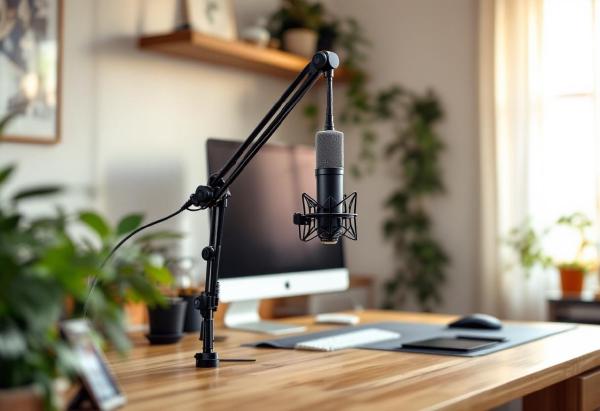
A good boom arm transforms your microphone setup from amateur to professional. It positions your mic closer to your mouth for better audio quality, frees up desk space, and eliminates vibrations and handling noise that come with desktop stands.
Whether you’re podcasting, streaming, doing video calls, or recording voiceovers, a boom arm is one of the best upgrades you can make to your audio setup. We’ve tested seven of the most popular boom arms across different price ranges to find the best options for every use case.
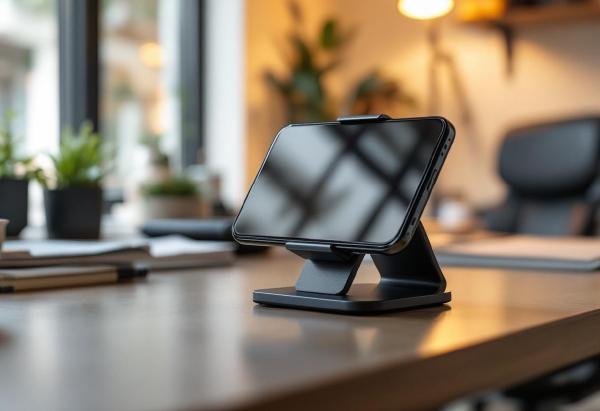
A good desk phone holder is one of those small upgrades that makes a bigger difference than you’d expect. It keeps your phone at eye level for video calls, charges your device while you work, and eliminates the neck strain from constantly looking down at your desk.
Whether you’re taking Zoom calls, following recipes while cooking, watching videos during breaks, or just want your notifications visible while working, the right phone holder improves both productivity and ergonomics.
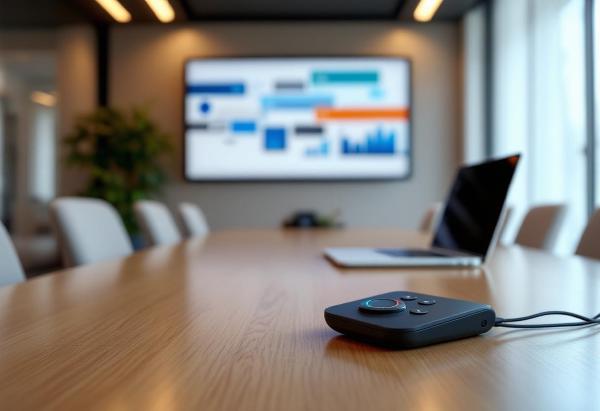
A dead battery, lost connection, or fumbling with controls during a crucial presentation can derail even the most prepared speaker. The best wireless presenter remote becomes an extension of your confidence, allowing you to focus on your message rather than the technology.
We’ve tested dozens of presenter remotes in real-world conditions – from small conference rooms to large auditoriums – to identify the 7 models that deliver reliability, range, and intuitive controls. Whether you’re giving boardroom presentations or teaching large lecture halls, this guide will help you choose the perfect remote for your needs.
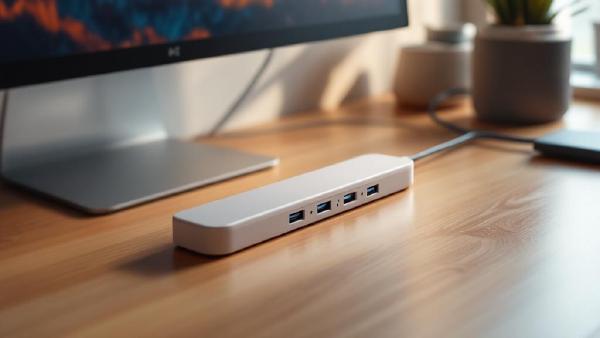
Finding the best USB-C hub for your laptop can transform your mobile workspace from port-starved to productivity powerhouse. With modern laptops ditching traditional ports in favor of sleek designs, a quality USB-C hub becomes essential for connecting all your peripherals, displays, and storage devices.
We’ve tested dozens of USB-C hubs across different price points and use cases to bring you this comprehensive comparison of the 7 best options available in 2026. Whether you need basic port expansion or a full-featured hub with 4K display output and fast charging, we’ve got you covered.
If you’ve been battling wrist pain or forearm fatigue from long hours of mousing, a trackball might be exactly what your home office needs. Unlike a traditional mouse — where you push the entire device around your desk mat — a trackball stays stationary while you roll a ball with your thumb or fingers. Less arm movement, less strain, more desk space.
Trackballs aren’t just for nostalgia. Modern ergonomic trackball mice feature precision optical sensors, wireless connectivity, and customisable buttons that rival any premium office mouse. They’re particularly brilliant if you work in tight spaces, use a sit-stand desk converter, or simply want to break the cycle of repetitive strain.
Working from a coffee shop, co-working space, or shared home office? Anyone sitting beside you can see your screen. Emails, financial data, client documents, passwords — all visible to whoever glances over. A privacy screen filter blacks out your display to anyone viewing from an angle while keeping it perfectly clear for you sitting directly in front.
Privacy screens aren’t just for corporate paranoia. If you work with sensitive data, take video calls with confidential information on screen, or simply don’t want your housemate reading your emails as they walk past your desk, a privacy filter is a cheap, effective security layer.
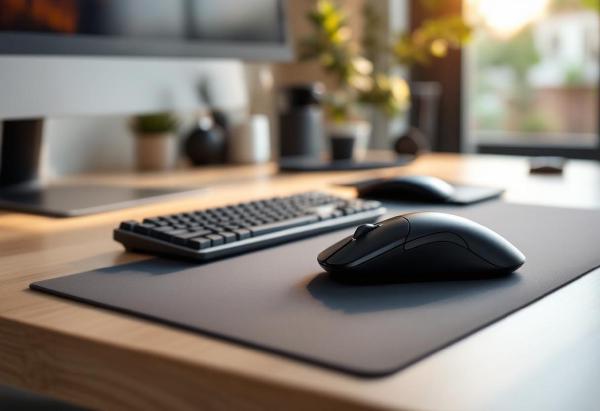
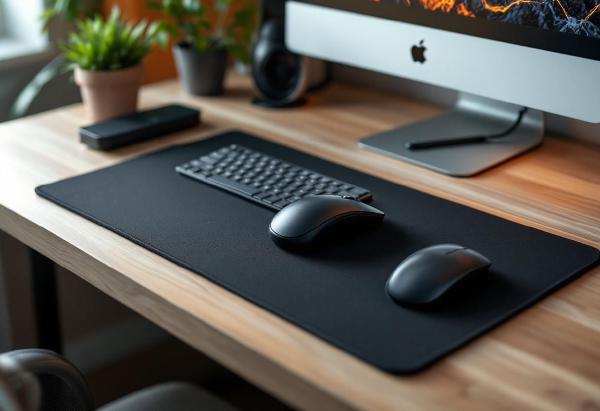
If you spend eight hours a day at a desk, your wrist is doing thousands of micro-movements with the mouse. A flat, hard surface with no wrist support puts constant pressure on the carpal tunnel — that narrow passage of nerves and tendons on the underside of your wrist. Over months and years, this leads to pain, numbness, and repetitive strain injuries that are much easier to prevent than to treat.
If you work from home with a personal PC and a work laptop — or juggle multiple machines — a KVM (keyboard, video, mouse) switch lets you control everything from a single keyboard, mouse, and monitor. No more swapping cables, no second set of peripherals cluttering your desk. One button press, and you’re on the other machine.
The KVM switch market has improved enormously in the last two years. USB-C models now support 4K@60Hz passthrough, and switching times have dropped to under two seconds. But there’s a wide gap between the cheap HDMI boxes on Amazon and the premium DisplayPort units — and picking the wrong one means flickering screens, laggy peripherals, or resolution caps that make your nice monitor pointless.
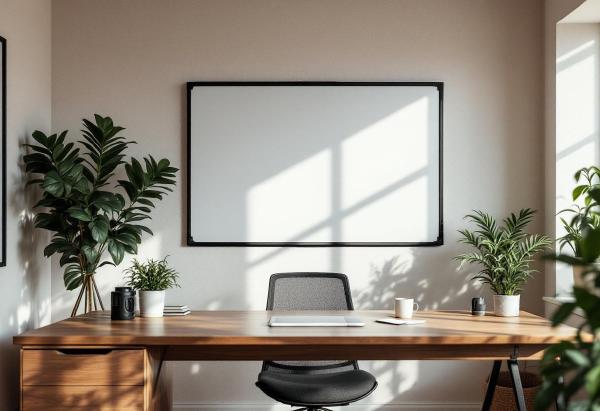
There’s something about physically writing an idea on a whiteboard that no digital tool replicates. Notion boards, Miro canvases, and sticky note apps all try, but the speed of picking up a marker and sketching a diagram during a moment of clarity — that’s analog magic. For home offices, a whiteboard turns a wall into a thinking surface. Project timelines, daily priorities, quick calculations, brainstorm dumps — it’s all visible at a glance without opening another browser tab.
Every home office has the same dirty secret hidden behind the desk: a tangled mess of power cables feeding into an ugly power strip that was designed for a garage workshop, not a workspace you sit at for 8 hours a day.
Modern desk power strips solve two problems at once. First, they provide surge protection for your expensive gear — your monitor, docking station, and desk lamp all deserve protection from voltage spikes. Second, they integrate USB-A and USB-C charging ports so you can ditch those individual phone and tablet chargers cluttering your desk accessories setup.