The best desk power strip is the UK extension lead that fits your plug layout, reaches the wall socket and can be supported as its manufacturer intends. Decide where it will sit before paying for extra USB ports or a larger socket count.
This guide focuses on access, mounting and charging. If protection against voltage surges is the main buying decision, use our separate UK surge-protector guide.
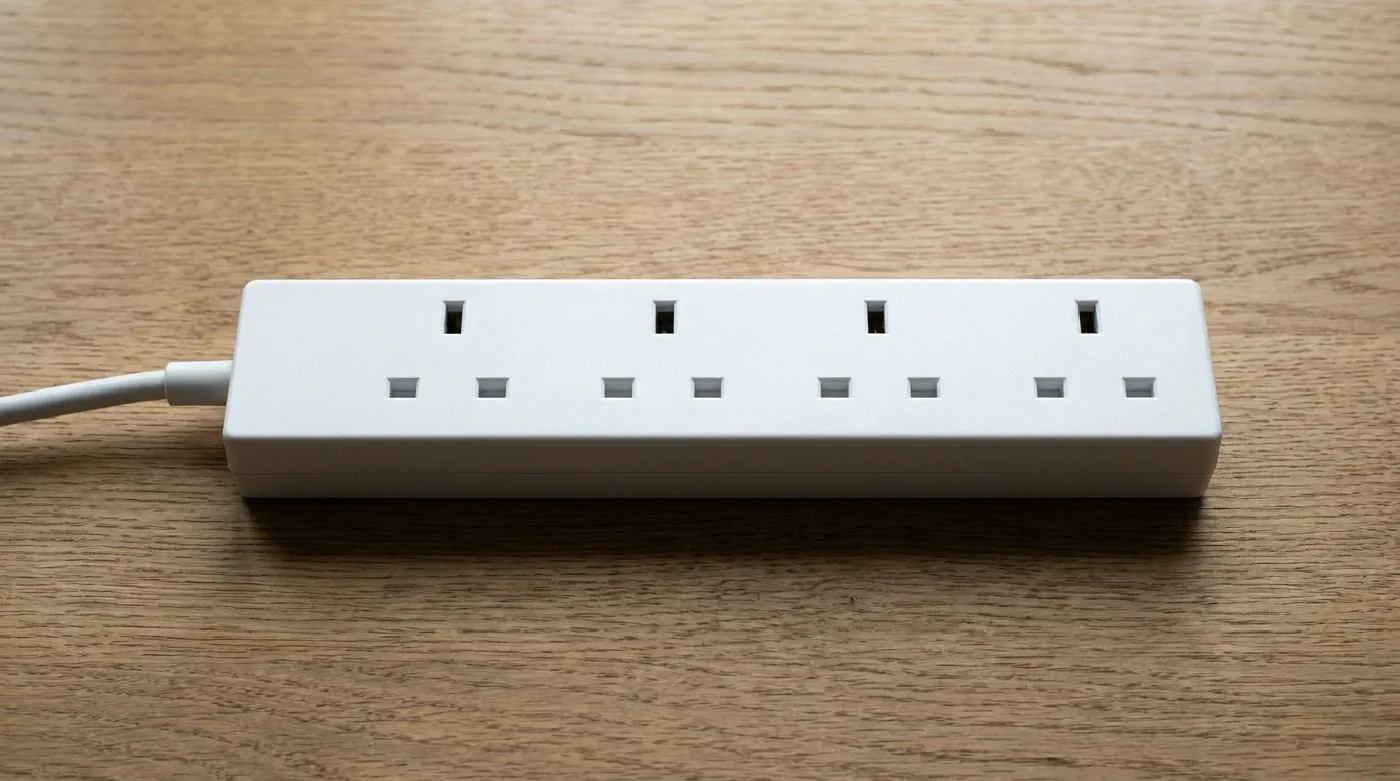
We researched manufacturer information and UK safety advice on 21 September 2026. We have not physically tested these products or measured electrical performance. Product links are non-affiliate manufacturer information; no price or stock is promised. The header is a category illustration, not a photograph of a tested model.
Choose the format first #
| Format | Useful when | Check before buying | Trade-off |
|---|---|---|---|
| Flat extension lead with mounting provision | Most plugs stay connected beneath the desk | Approved fixing method, inserted-plug clearance and access to the switch | Reaching behind the desk can be awkward |
| Desktop or clamp-mounted unit | You frequently connect temporary chargers | Desk-edge compatibility, manufacturer-approved clamp and cable route | Uses visible space or part of the desk edge |
| Extension lead with USB charging | You want fewer separate charging adaptors | PD profiles, shared output and your devices’ requirements | Charging capability is tied to the extension lead |
| Surge-protected extension lead | You want socket expansion with a documented surge function | Exact UK model and instructions for its protection indicator | Does not provide battery backup |
Count bulky adaptors as well as devices. Six sockets are of little use if a charger obstructs the next one. Compare the product’s dimensions and socket orientation with the plugs you already own.
A UK option with built-in USB: Brennenstuhl 1951163613 #
Brennenstuhl’s UK page identifies Premium-Line 1951163613 as a six-way extension lead with a 3 m cable, an illuminated switch and provision for wall mounting. It lists two USB-C charging ports and one USB-A port.
This is an option to investigate if charging integration matters more than the smallest possible strip. Check the supplied instructions for mounting orientation; wall-mounting provision does not establish that every under-desk position is approved.
Check the charging detail before ordering. The product page advertises USB-C PD 65 W, while the manufacturer’s 2025/26 GB catalogue lists 60 W under its combined USB A+C power entry for this model. Those figures do not establish the allocation with several devices connected. Ask the manufacturer for the current output table if you intend to replace a laptop charger; we are not promising simultaneous full-power outputs.
Manufacturer specifications for 1951163613 · GB catalogue charging table.
If the output is uncertain for your laptop, retaining its compatible charger is a simpler purchasing decision than assuming a USB-C socket is equivalent.
A UK option when surge protection matters: Belkin BSV603af2M #
Belkin’s UK BSV603af2M page documents six sockets, a 2 m cable and a recessed switch. It is a mains-socket option to compare when you intend to keep using separate device chargers.
For a desk layout, the shorter lead is the first practical difference to measure. Leave enough reach for the intended route; do not solve a short cable by attaching another extension lead. Confirm any mounting arrangement in the instructions rather than assuming the casing suits an adhesive bracket.
Check Belkin’s UK model information. Our surge-protector comparison explains its protection specification and the limits of comparing ratings.
Fit the power arrangement around the desk #
Measure from the wall socket along the actual cable route, including any rise into a tray. Leave room around plugs to remove them without dismantling the installation. Keep power adaptors’ ventilation openings clear.
Use only the extension lead’s specified mounting points or a compatible support, following the manufacturer’s instructions. Keep switches and plugs accessible, and do not drill through the electrical casing or suspend the lead by its cable.
For a standing desk, test the full movement with the cables clear of moving parts. The lead between the wall and a moving desktop must not pull taut at the top or become trapped at the bottom. Our under-desk cable guide covers planning the route and supports.
Check the load, not just the spare sockets #
Electrical Safety First recommends buying from a reputable retailer, using a fused UK three-pin plug and staying within the lead’s marked current rating. Add together the connected appliances’ requirements; a vacant socket does not mean there is capacity for another appliance.
Do not daisy-chain leads. Fully unwind cable reels before use, and stop using equipment showing damage or burning signs. If you regularly need more sockets, consult a registered electrician. A surge feature does not remove these load and condition checks.
Frequently asked questions #
Can I mount an extension lead under my desk? #
Use only its specified mounting points or a compatible support, following the manufacturer’s instructions. Keep switches and plugs accessible, and do not drill through the electrical casing or suspend the lead by its cable.
Does every power strip include surge protection? #
No. Socket expansion, USB charging and surge protection are separate features. Check the exact model’s documentation rather than assuming that a switch, fuse or USB-C port indicates surge protection.
Can built-in USB-C replace my laptop charger? #
Only if the port’s Power Delivery capabilities, available output when other ports are occupied, and cable meet the laptop’s requirements. A headline maximum does not guarantee that output from every port at once.
Can I plug one extension lead into another? #
No. Electrical Safety First advises against daisy-chaining extension leads. Choose a suitable single lead or ask a registered electrician about additional wall sockets.