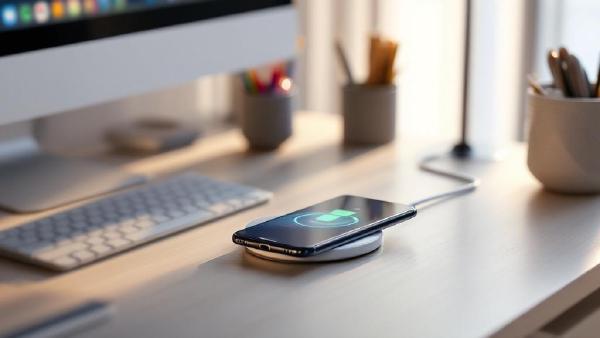
If your desk has a tangle of Lightning cables, USB-C cords, and watch chargers sprawling across it, a wireless charger is one of the simplest upgrades you can make. Drop your phone on a pad, set your earbuds beside it, and they charge — no fumbling with connectors, no cable wear, no clutter.
In 2026, the Qi2 standard has made wireless charging faster and more reliable than ever. Magnetic alignment (the same technology behind MagSafe) is now universal across both iPhone and Android flagships, meaning your phone snaps into the perfect charging position every time. Speeds have climbed to 15W as standard, with some chargers pushing higher for compatible devices.
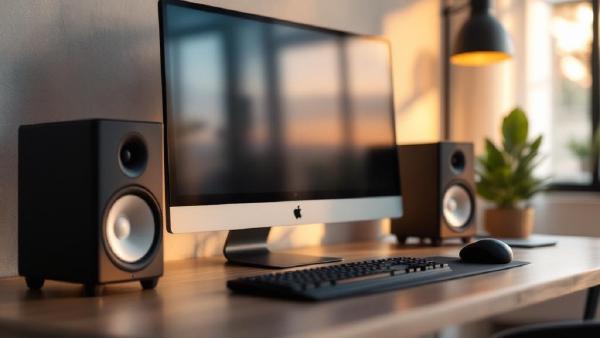
Laptop speakers are designed for portability, not quality — and after eight hours of tinny audio bleeding out of a MacBook’s keyboard deck, the fatigue is real. A proper pair of desk speakers transforms your workday: podcasts sound rich instead of hollow, video calls are crisp instead of muffled, and music actually fills the room during focus sessions.
The good news is that office speakers don’t need to be massive or expensive. The best ones are compact enough to sit behind or beside your monitor, connect wirelessly or via USB, and deliver balanced sound that’s tuned for voices and mid-range clarity rather than earth-shaking bass.
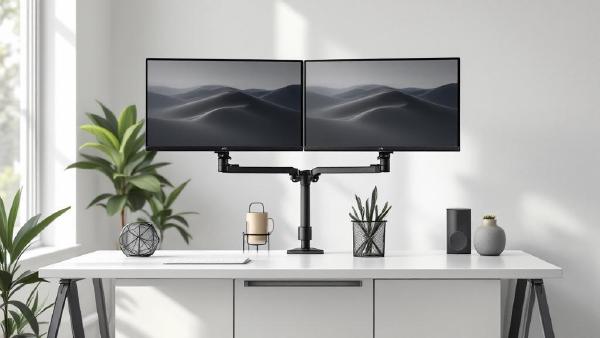
A monitor arm is one of the highest-impact upgrades you can make to a home office. The stock stand that ships with most monitors is designed for one thing: holding the screen upright on a shelf at Best Buy. It wasn’t engineered for your desk, your posture, or your workflow. A proper monitor arm reclaims the entire footprint of that stand — often 8×10 inches of prime desk real estate — and lets you position your screen at exactly the right height, depth, and angle for comfortable all-day viewing.
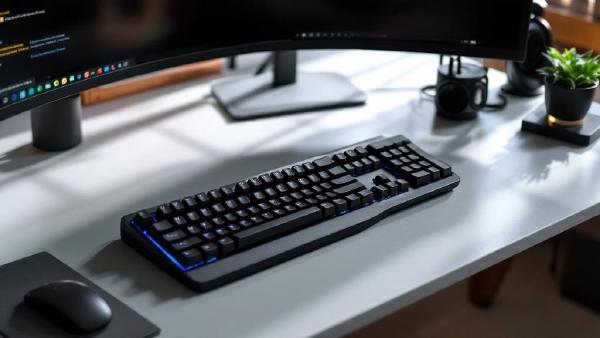
If you type for more than a few hours a day, your keyboard is either helping your wrists or slowly damaging them. Traditional straight keyboards force your hands into an unnatural position — wrists angled outward (ulnar deviation), forearms rotated inward (pronation), and fingers reaching upward on raised back rows (extension). Over months and years, this leads to repetitive strain injury (RSI), carpal tunnel syndrome, and chronic wrist pain that can sideline you from work entirely.
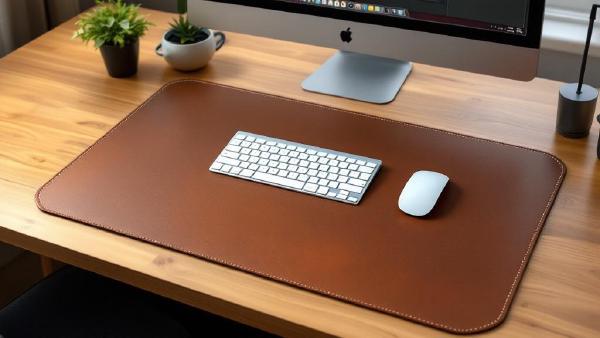
A desk mat does more than you’d think. It protects your desk surface from scratches, scuffs, and coffee rings. It gives your mouse a smooth, consistent tracking surface across the entire desk. It dampens keyboard noise — particularly noticeable with mechanical keyboards. And it ties your whole setup together visually, turning a bare desk into something that looks intentional.
If you’ve invested in a good keyboard and mouse, a quality desk mat is the surface they deserve to sit on. And if your desk is real wood or glass, a mat prevents the gradual wear that daily use inevitably causes.
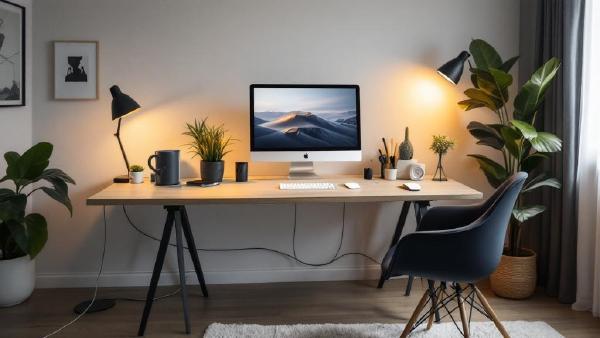
Cable clutter is the difference between a desk that looks professional and one that looks like a server room exploded. And it’s not just aesthetics — tangled cables are harder to troubleshoot, collect dust, restrict airflow, and make cleaning underneath your desk an ordeal. If you’ve invested in quality peripherals and a proper standing desk, spending $20–40 on cable management completes the setup.
The good news is that cable management doesn’t have to be complicated. A combination of two or three solutions — a cable tray, some Velcro ties, and maybe a cable box — can transform a messy desk into a clean one in under an hour. No special skills required.
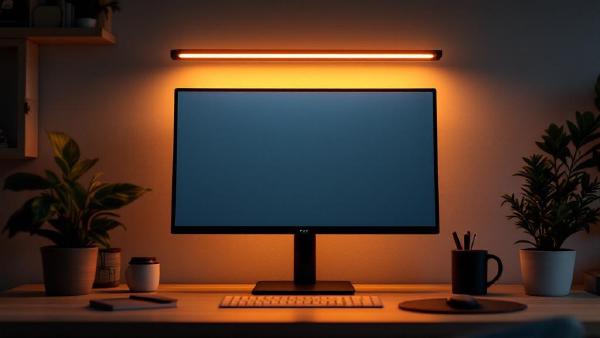
If you’ve ever battled glare on your screen or squinted at your keyboard in a dim room, a monitor light bar is the simplest upgrade you haven’t made yet. Unlike a traditional desk lamp, a light bar clips directly onto your monitor, illuminating your desk surface without any light spilling onto the screen.
The result: zero glare, less eye strain, and a desk free of lamp clutter. For anyone spending 6+ hours a day at a home office setup, it’s a no-brainer.
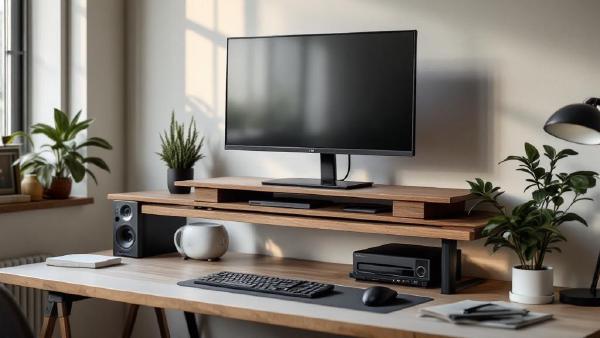
A monitor arm is the gold standard for screen positioning, but a monitor riser does 80% of the job at 20% of the cost — and doubles as desk storage. If your screen sits directly on the desk, you’re looking down at it, and that forward head tilt causes neck strain, shoulder tension, and headaches over time. A riser brings the top of your screen to eye level, which is where ergonomics guidelines say it should be.
If you spend 8+ hours staring at monitors, you’ve probably felt it: the dry eyes, the dull headache behind your temples, the difficulty focusing by late afternoon. Blue light glasses filter the high-energy visible (HEV) light that screens emit, reducing strain and potentially improving sleep quality when you work late.
The science is nuanced — blue light glasses won’t cure eye strain caused by poor posture or insufficient lighting (fix your desk lamp first). But for screen-heavy workers, a good pair noticeably reduces fatigue. Here are seven pairs worth wearing.
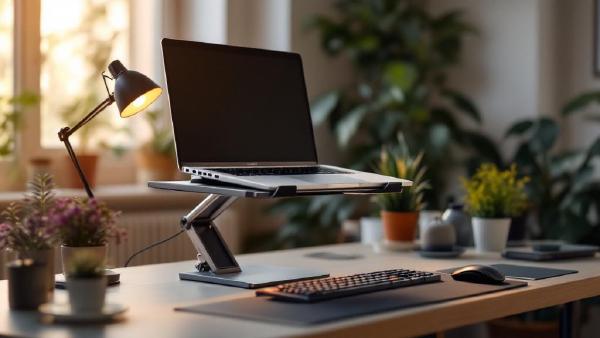
Introduction # If you work from a laptop for any serious amount of time, you’ve probably noticed the problem: the screen is too low. Your neck tilts forward, your shoulders hunch, and after a few hours you’ve got that familiar ache running from the base of your skull down between your shoulder blades. It’s not your imagination — laptop ergonomics are genuinely terrible by design. The keyboard and screen are attached, which means if one is at the right height, the other isn’t.
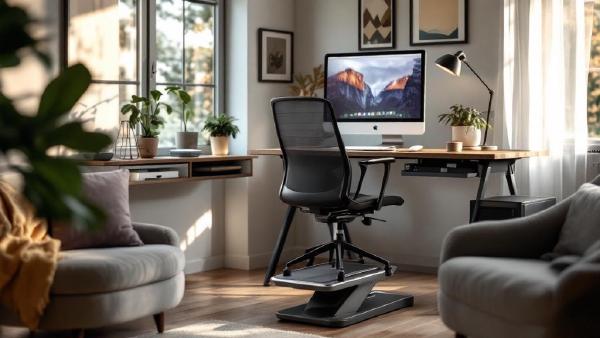
If your feet dangle when you sit at your desk — or you just can’t get comfortable no matter how many times you adjust your chair — a footrest might be the cheapest ergonomic upgrade you can make. We’re talking $25–120 for something that genuinely changes how your lower body feels after an eight-hour workday.
The logic is simple: when your feet aren’t properly supported, your thighs take the pressure. That compresses blood flow, creates tension in your lower back, and leaves you shifting around in your chair all day trying to find a position that works. A good footrest fixes that by keeping your feet at the right height and angle, so your knees sit at roughly 90 degrees and your weight distributes evenly.
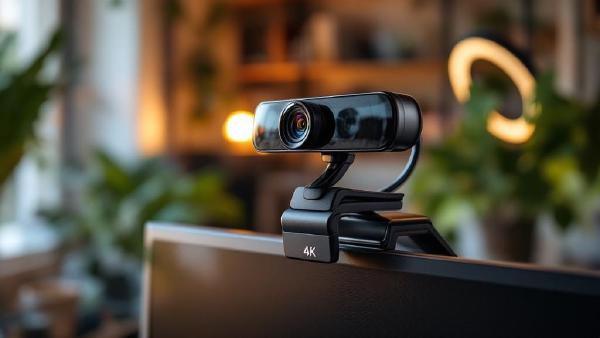
Your laptop webcam is probably terrible. The tiny sensor, wide-angle distortion, and up-the-nose camera angle make you look washed out and unprofessional on every video call. A dedicated external webcam — mounted at eye level on your monitor — makes a night-and-day difference to how you appear on Zoom, Teams, and Google Meet.
We’ve compared seven of the best webcams for video calls in 2026, covering everything from budget 1080p cameras to 4K models with AI-powered features. Whether you’re in daily standups or presenting to clients, here’s what’s worth buying.