A monitor light bar is worth considering when you want light over your keyboard or notebook without a lamp base taking up desk space. Start with your monitor’s shape and the controls you prefer, rather than its diagonal screen size.
Our shortlist is BenQ ScreenBar Pro for controls on the lamp, ScreenBar Halo 2 for a separate controller and rear lighting, and Xiaomi Mi Computer Monitor Light Bar as an alternative if a suitable UK offer is available. These recommendations are based on published specifications, not hands-on tests. We have not measured glare, brightness or long-term reliability ourselves.
Affiliate disclosure: As an Amazon Associate, Home Desk Lab earns from qualifying purchases. The Amazon links below go to the exact UK BenQ listings checked on 21 September 2026. Check the seller, current price, delivery and returns before ordering; offers can change.
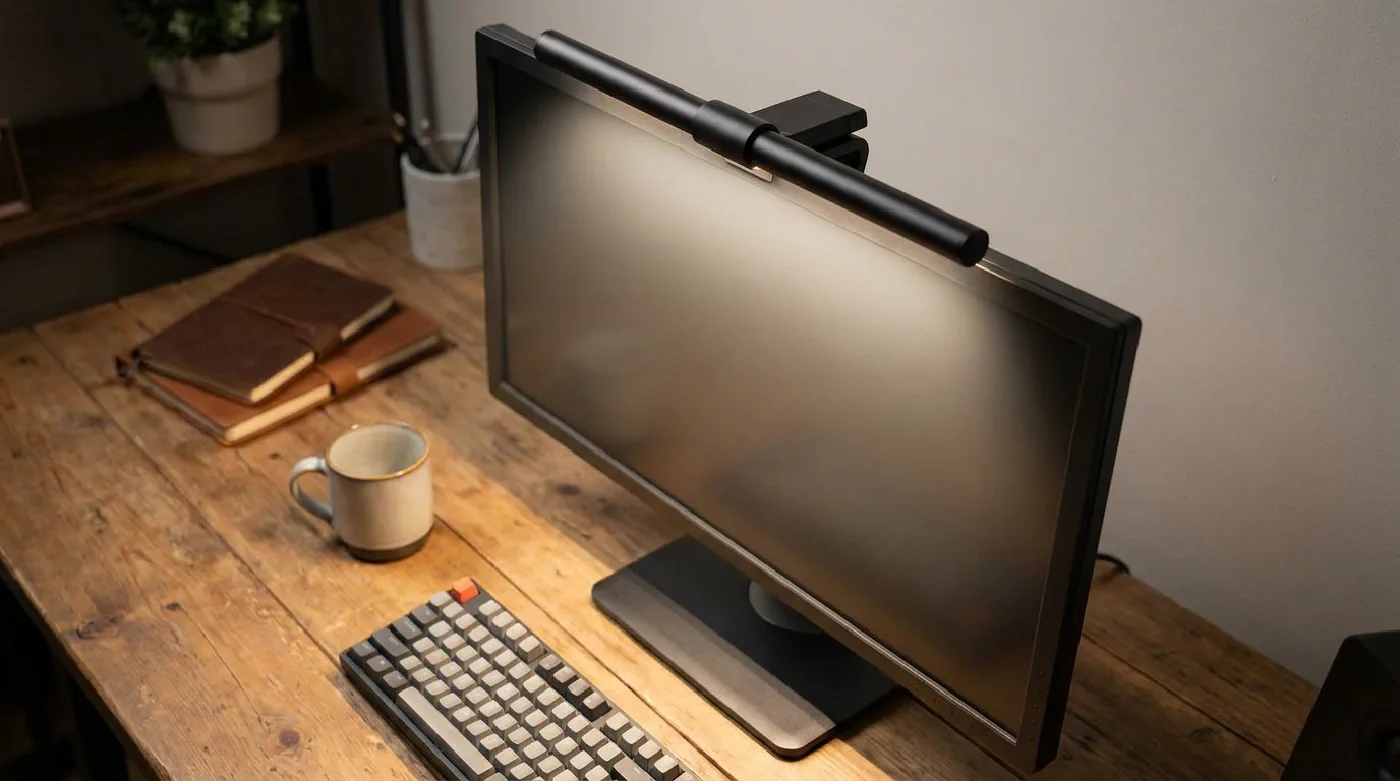
The header is a category illustration; it does not show a specific recommended model, tested product or verified installation.
Compare the options #
| Model | Why consider it? | Manufacturer’s monitor thickness range | Check first |
|---|---|---|---|
| BenQ ScreenBar Pro | Controls on the lamp | 4.3–65 mm | Clamp clearance and power |
| BenQ ScreenBar Halo 2 | Separate controller and rear light | 4.3–60 mm | Rear clearance and controller space |
| Xiaomi Mi Computer Monitor Light Bar | Wireless dial and a simpler feature set | Up to 32 mm | UK availability and very thin monitors |
Thickness specifications do not guarantee fit. Rear bulges, a camera, curvature or an unusually narrow bezel can change the installation.
BenQ ScreenBar Pro: controls on the lamp #
The Pro makes sense if you want to keep your desktop clear and are happy reaching up to adjust the light. BenQ lists a 50 cm lamp, USB-C power and a maximum consumption of 8.5 W. Its published monitor-thickness range is 0.43–6.5 cm.
Our reason to shortlist it is the integrated control layout and documented fit range. That does not establish that it is brighter or more comfortable than competing lamps in your room. Check your monitor against the mounting instructions, especially if a webcam already occupies the centre.
BenQ UK specifications · Check ScreenBar Pro on Amazon UK
BenQ ScreenBar Halo 2: separate controller and rear light #
Compare Halo 2 if you want to adjust lighting from your desk and illuminate the area behind the display. BenQ specifies a rechargeable wireless controller, front and rear lighting, and a 2700–6500 K colour-temperature range.
The manufacturer lists 0.43–6 cm monitor thickness and 1000–1800R curved displays. Confirm your exact monitor’s shape before treating those ranges as approval. Check webcam accessories separately rather than assuming one is included.
The rear light is a reason to choose this model only if you will use it. Consider where the light will fall: a monitor against a wall and one facing an open room are different setups.
BenQ UK product details · Check ScreenBar Halo 2 on Amazon UK
Xiaomi Mi Computer Monitor Light Bar: an alternative to check #
Xiaomi describes USB-C power, a 2.4 GHz wireless remote, adjustable brightness and colour temperature, and 25 degrees of rotation. The remote is not described as Bluetooth.
Its UK page states a maximum monitor thickness of 32 mm. Below 10 mm, Xiaomi advises supporting the monitor while adjusting the lamp. It does not recommend this model for laptops.
We could not verify an exact current Amazon UK listing, so Xiaomi remains an alternative to investigate rather than a confirmed buying route. Compare it only after checking a current UK listing. A UK manufacturer information page alone does not establish stock, a UK seller or the best price. Check the complete product name and included power accessories and batteries.
Five checks before ordering #
- Measure the mounting point. Include the rear housing where the clamp sits. The screen’s advertised inch size does not establish fit.
- Allow for your webcam. Include its mount, cable and any built-in camera. An empty bezel is different from your working setup.
- Choose where to put the controls. On-lamp controls save desk space; a separate dial may be easier to reach on a tall display.
- Check power requirements. USB-C describes a connection, not every requirement of the power supply. Follow the manufacturer’s instructions and check whether an adapter is supplied.
- Check the UK offer. Confirm the model generation, seller, total price in pounds, delivery and return terms. Similarly named listings can cover different products.
Light bar or desk lamp? #
A light bar is useful when your work happens beneath the monitor and desk space is limited. A desk lamp may suit you better if you move between paperwork and keyboard work or need to aim light elsewhere.
For a home office setup, try repositioning existing lighting before buying another accessory. Reflections depend on the display, viewing angle, room and lamp position. We would not promise zero glare in every setup.
Common questions #
Will one fit an ultrawide or curved monitor? #
Screen width alone is insufficient. Check curvature, housing thickness and the exact clamp instructions. Physical fit also does not prove that the illuminated area will suit your work.
Can I use one on a laptop? #
Do not assume a desktop monitor lamp suits a laptop lid. Xiaomi specifically advises against that use for this model. Check a laptop-specific lamp or use a separate desk lamp.
Which should I choose first? #
Start with Pro for controls on the lamp. Compare Halo 2 if the controller and rear light solve a specific need. Consider Xiaomi after verifying a suitable UK offer. If none fits your monitor and budget, a conventional lamp is reasonable.
How this guide was researched #
Manufacturer UK pages linked above were checked on 21 September 2026. Specifications are attributed to those manufacturers; recommendations are our interpretation of their features and fit requirements. We have not physically tested these models. We will revise the shortlist as verified specifications, UK purchase options or useful testing evidence change.