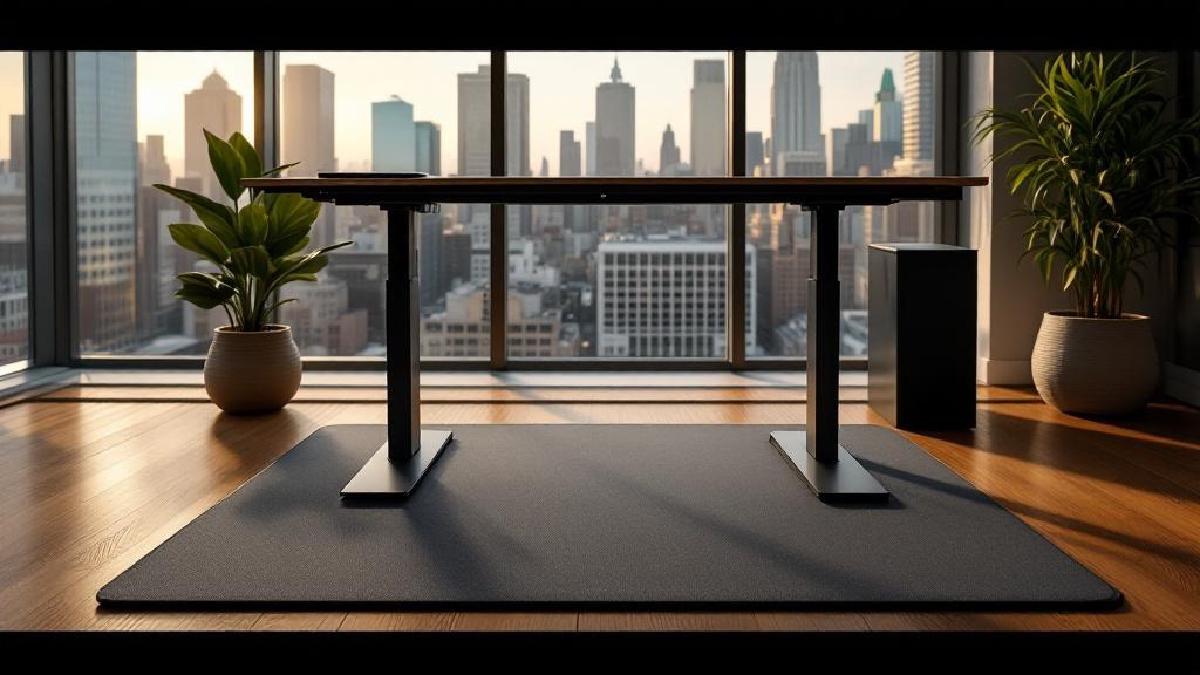
A standing desk without an anti-fatigue mat is like running shoes without insoles — technically functional, completely miserable after an hour. Standing on a hard floor causes foot pain, leg fatigue, and lower back ache that makes you sit back down and never stand again.
An anti-fatigue mat solves this by giving your feet a cushioned, slightly unstable surface that encourages micro-movements. Your muscles stay active instead of locking up, blood keeps flowing, and you can comfortably stand for 2–4 hours without discomfort.
We’ve tested six of the best standing desk mats for 2026, from flat comfort pads to terrain-style mats that keep your feet moving. Here’s what works.
Quick Comparison #
| Mat | Type | Size | Thickness | Material | Price (USD) |
|---|---|---|---|---|---|
| Ergodriven Topo | Terrain | 26" × 29" | ¾"–2¾" | Polyurethane | ~$99 |
| CubeFit TerraMat | Terrain | 30" × 27" | ¾"–3" | Polyurethane | ~$90 |
| Sky Solutions Cloud | Flat | 20" × 32" | ¾" | PVC foam | ~$35 |
| Kangaroo Original | Flat | 22" × 32" | ¾" | Polyurethane | ~$50 |
| Fezibo Anti-Fatigue Mat | Flat | 20" × 32" | ¾" | PVC foam | ~$30 |
| FEATOL Standing Desk Mat | Terrain | 26" × 29" | ¾"–2½" | Polyurethane | ~$70 |
1. Ergodriven Topo — Best Overall #
Price: ~$99 | Buy on Amazon US | Buy on Amazon UK
The Topo is the mat that popularised terrain-style standing desk mats, and it’s still the best. Its contoured surface features raised edges, a centre mound, and calculated peaks that naturally encourage you to shift your weight, stretch your calves, and change foot positions throughout the day.
What makes it stand out:
- Terrain design — the varied surface topography keeps your feet and legs active without conscious effort
- Edge rails — raised ridges along the sides let you stretch your arches and calves by pressing against them
- Centre mound — massage-point for the balls of your feet
- Dense polyurethane foam — firm enough to support, soft enough to cushion, doesn’t bottom out
- Bevelled edges — won’t catch your office chair wheels when you sit down
The Topo is specifically designed for bare feet or socks, which is how most people use standing desks at home. The polyurethane surface is warm and slightly grippy underfoot.
Who it’s for: Anyone serious about standing regularly and willing to invest in the mat that makes it sustainable.
The catch: At $99, it’s the priciest flat option here. The terrain takes a day to get used to — your calves may be sore initially as muscles that were dormant wake up.
2. CubeFit TerraMat — Best for Active Standers #
Price: ~$90 | Buy on Amazon US | Buy on Amazon UK
The TerraMat takes the terrain concept further with more pronounced features. A massage mound, power wedge for calf stretches, support track along the back edge, and pressure peaks across the surface give you even more positions and stretches than the Topo.
Key features:
- 11 distinct terrain features across the surface
- Power wedge for deep calf and Achilles stretches
- Massage mound for arch stimulation
- Acupressure peaks for foot massage
- Denser foam than most competitors (3" max height)
- 30" × 27" — slightly wider than the Topo
The TerraMat is more aggressive than the Topo. Some users love the variety; others find the pronounced features distracting during focused work. If you tend to fidget or enjoy foot stretches, this is your mat.
Who it’s for: Fidgeters and active standers who want maximum movement variety.
3. Sky Solutions Cloud — Best Budget #
Price: ~$35 | Buy on Amazon US | Buy on Amazon UK
The Sky Solutions Cloud is the Amazon bestseller in anti-fatigue mats, and at $35, it’s easy to see why. It’s a simple, flat, ¾" thick cushioned mat that does exactly one thing well: make standing on hard floors comfortable.
Key features:
- ¾" PVC foam cushioning
- Bevelled edges prevent tripping
- Non-slip bottom grips hard floors
- Waterproof, easy to wipe clean
- Available in 9 colours and multiple sizes
- Phthalate-free material
No terrain features, no fancy topography — just honest cushioning. The foam is medium-density: soft enough for comfort but firm enough that your feet don’t sink in and create instability. For a first standing desk mat or a budget setup, it’s perfectly adequate.
Who it’s for: Budget buyers and anyone who prefers a simple flat surface.
The catch: Flat mats don’t encourage movement the way terrain mats do. You’ll need to consciously shift positions. The PVC foam may compress over time with heavy daily use.
4. Kangaroo Original — Best Flat Premium #
Price: ~$50 | Buy on Amazon US | Buy on Amazon UK
If you want a flat mat with better materials than the Sky Solutions, the Kangaroo Original is the sweet spot. Its polyurethane core is denser and more durable than PVC foam, with better rebound that keeps the mat from flattening over months of use.
Key features:
- High-density polyurethane foam (outlasts PVC)
- ¾" ergonomic cushioning
- Non-slip textured bottom
- Bevelled edges on all sides
- 22" × 32" — slightly more standing room
- Stain-resistant surface
The Kangaroo feels noticeably more supportive than cheaper PVC mats. There’s a firmness to the foam that cradles your feet without letting them sink. After six months, cheaper mats develop permanent foot impressions; polyurethane mats resist this far longer.
Who it’s for: Users who want a flat mat that will last years, not months.
5. Fezibo Anti-Fatigue Mat — Best Value #
Price: ~$30 | Buy on Amazon US | Buy on Amazon UK
Fezibo makes popular standing desks, and their anti-fatigue mat is a natural companion. At $30, it undercuts even the Sky Solutions while offering similar cushioning and a clean design.
Key features:
- ¾" PVC foam with medium density
- Non-slip bottom for hard floors
- Bevelled edges
- Waterproof, easy to clean
- Available in black, brown, and grey
- 20" × 32" standing area
Performance is nearly identical to the Sky Solutions Cloud. The main differences are aesthetic — Fezibo’s colour options are more neutral, and the surface texture is slightly smoother. If you already own a Fezibo standing desk, it’s a natural match.
Who it’s for: Fezibo desk owners or anyone wanting the absolute cheapest functional mat.
6. FEATOL Standing Desk Mat — Best Budget Terrain #
Price: ~$70 | Buy on Amazon US | Buy on Amazon UK
Want the terrain experience of a Topo without the $99 price tag? The FEATOL is a solid alternative. It features a similar contoured surface with raised edges, a massage point, and bevelled sides, all at $30 less.
Key features:
- Terrain surface with massage mound and raised edges
- Polyurethane foam construction
- 26" × 29" standing area
- Bevelled edges for smooth chair transitions
- Non-slip bottom
- 2½" maximum height at terrain features
The terrain features are slightly less refined than the Topo’s — the transitions between heights feel less sculpted. But the core function is the same: your feet move naturally across the varied surface, reducing fatigue. At $70, it’s a strong entry point to terrain-style mats.
Who it’s for: Buyers who want a terrain mat at a more accessible price point.
Flat vs Terrain: Which Type Do You Need? #
| Factor | Flat Mat | Terrain Mat |
|---|---|---|
| Comfort | Good — cushioned surface | Excellent — active cushioning |
| Movement | Manual (you shift consciously) | Natural (surface promotes it) |
| Learning curve | None | 1–2 days |
| Chair compatibility | Easy to roll over | Bevelled edges help, still bumpier |
| Price | $30–$50 | $70–$100 |
| Best for | Casual standers, mixed sit/stand | Dedicated standers, 2+ hours/day |
If you stand for less than an hour at a time, a flat mat is fine. If you stand for 2+ hours daily, a terrain mat makes a meaningful difference in comfort and leg fatigue.
How Long Should You Stand? #
The research consensus: alternate between sitting and standing throughout the day. A common pattern:
- 30 minutes standing → 30 minutes sitting (beginner)
- 45 minutes standing → 15 minutes sitting (experienced)
- Never more than 2 hours of either without switching
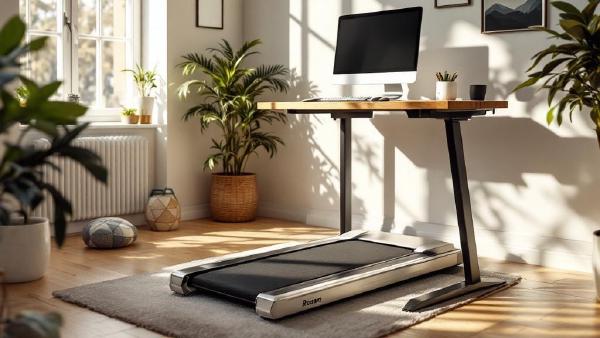
An under-desk treadmill is another way to stay active during standing periods. Pair it with a terrain mat for the ultimate anti-sedentary setup.
Mat Care and Longevity #
Standing desk mats need minimal maintenance:
- Clean with a damp cloth and mild soap monthly
- Rotate 180° every few months to distribute wear evenly
- Avoid leaving heavy office chairs parked on them overnight (roll the chair off when sitting)
- Replace when the foam no longer rebounds after stepping off (typically 2–3 years for PVC, 4–5 years for polyurethane)
Shoes vs barefoot: terrain mats work best barefoot or in socks. Flat mats work with shoes or without. If you wear shoes, you’ll need slightly firmer cushioning — the shoe already provides some.
FAQ #
Do I really need an anti-fatigue mat with a standing desk? #
Yes, unless your floor is already cushioned (thick carpet). Standing on hard surfaces — hardwood, tile, concrete — causes fatigue, pain, and discourages standing within a week. A mat is the cheapest way to make standing sustainable.
Can I use a yoga mat instead? #
Yoga mats are too thin (¼") and too soft. They compress completely under standing weight and provide minimal fatigue relief. A proper anti-fatigue mat is ¾"+ of engineered foam designed for prolonged standing.
Will a standing desk mat damage hardwood floors? #
No. Quality mats have flat, non-marking rubber bottoms. Avoid mats with rough textures on the underside, and check for any chemical reactions with your specific floor finish if you’re concerned — a quick test in an inconspicuous spot works.
How big should the mat be? #
A minimum of 20" × 30" gives you enough room to shift weight and adjust stance. Terrain mats are typically 26" × 29", which is adequate. If you move around a lot, go bigger.
Can I use an anti-fatigue mat while sitting? #
You can, but it’s unnecessary, and a terrain mat’s bumps are uncomfortable under an office chair. Most people slide the mat aside when sitting. Bevelled edges make this easy.
What thickness is best? #
¾" is the sweet spot for flat mats. Thinner doesn’t provide enough cushion; thicker can feel unstable. Terrain mats vary from ¾" to 3" at their highest points, which is fine since you’re not standing on the peaks constantly.
The Bottom Line #
The Ergodriven Topo is the best standing desk mat overall — its terrain design genuinely makes standing more comfortable and more active. If you want simple flat cushioning, the Sky Solutions Cloud at $35 gets the job done on a budget. And the FEATOL at $70 brings terrain benefits at a more accessible price.
Don’t skip the mat. It’s the $30–$100 accessory that determines whether your standing desk becomes a daily habit or an expensive shelf.
Also worth reading: standing stool.