Start with Logitech Lift for small to medium hands, or compare MX Vertical for medium to large hands. If you use your left hand, look specifically for Lift Left: the standard right-handed model is not ambidextrous. These are research-based choices, not results from our own physical tests.
The useful question is whether the mouse fits your hand and working setup. A steeper grip alone does not establish comfort, and no mouse can promise to cure wrist pain.
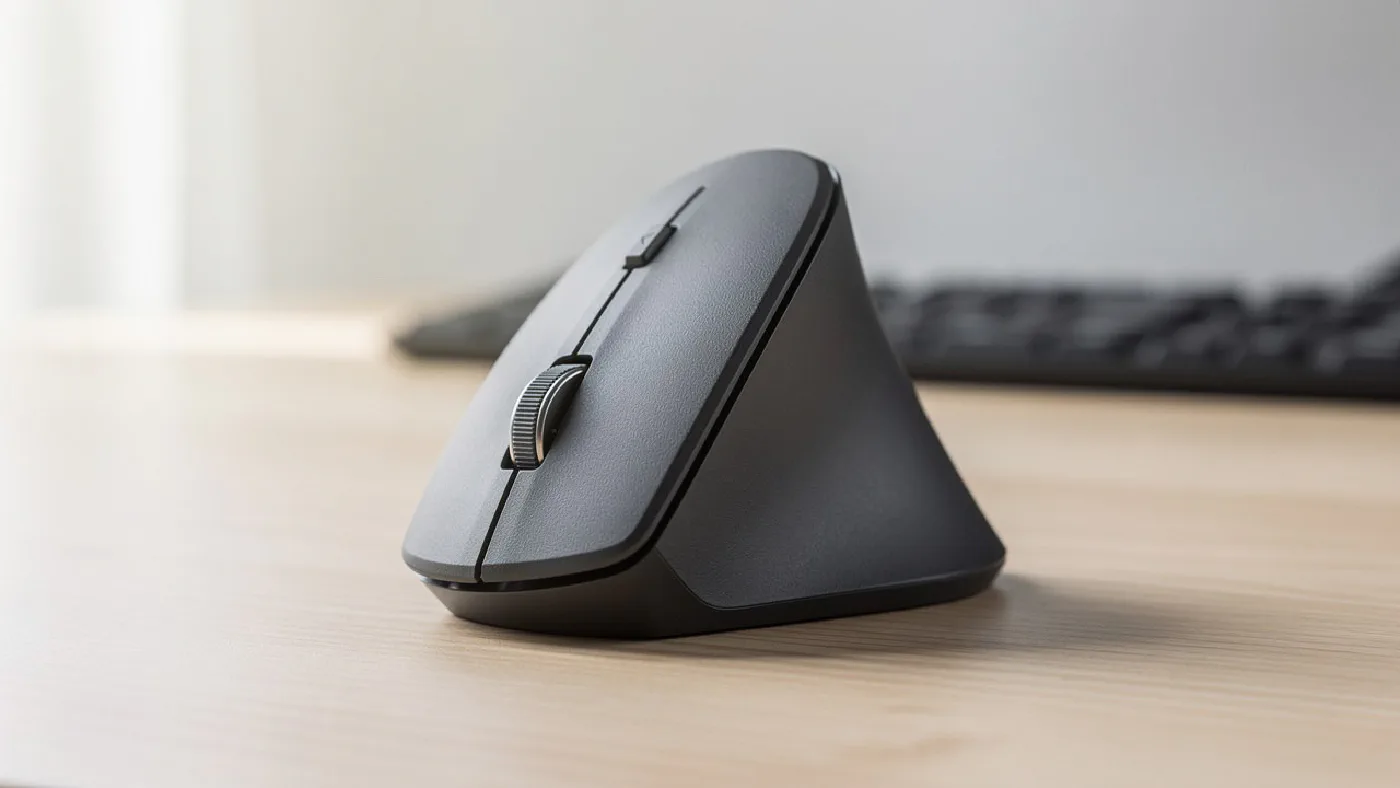
Affiliate disclosure: As an Amazon Associate, Home Desk Lab earns from qualifying purchases. UK listings were checked on 21 September 2026; sellers, prices and availability can change. The header is a category illustration, not a photograph of a tested or specific recommended model.
Quick comparison #
| Choice | Manufacturer’s intended hand size | Handedness | Connection detail to check |
|---|---|---|---|
| Logitech Lift | Small to medium | Separate right and left versions | Standard model offers Bluetooth or Logi Bolt receiver |
| Logitech MX Vertical | Medium to large | Right-handed design | Bluetooth, Unifying receiver or USB cable |
Both designs use a 57-degree grip angle. Logitech’s ergonomic range guide explains the intended hand sizes. Treat those as a starting point, then check reach to the buttons and scroll wheel.
Logitech Lift: the first option for smaller hands #
Lift is our starting choice if a conventional large mouse feels difficult to hold. Logitech positions it for small and medium hands, and offers a separate left-handed version. Its UK product page lists a rubber grip and thumb rest.
The directly linked UK listing is the standard graphite Lift. Do not assume that a different colour, Lift for Mac or Lift for Business includes the same accessories. In particular, check receiver inclusion and compatibility before ordering for a work computer.
Choose it when: size or left-handed availability is your main requirement. Check first: that you have selected the correct handedness and can use the advertised connection on your computer.
Manufacturer information · Check Logitech Lift on Amazon UK
Logitech MX Vertical: compare it for a larger grip #
Logitech describes MX Vertical as a fit for medium to large hands. Its manufacturer data sheet lists a 4000 DPI sensor, rechargeable power, and connections through Bluetooth, a Unifying USB receiver or a USB-C cable. It can pair with up to three computers.
The important distinction from Lift is fit and the connection system, not an assumption that a higher-priced mouse is healthier. Unifying and Logi Bolt are different receiver families: do not buy on the expectation that an existing receiver works with both.
Choose it when: you want a larger right-handed grip and rechargeable power. Check first: its size, your available USB ports and any restrictions on pairing wireless devices at work.
Manufacturer information · Manufacturer data sheet · Check MX Vertical on Amazon UK
Before spending money #
Try placing your existing mouse closer to the keyboard and adjusting pointer speed to suit your work. HSE’s workstation checklist recommends checking reach, a relaxed arm and straight wrist, suitable support and pointer settings. A new mouse is one part of that setup.
For a new purchase, work through this checklist:
- Handedness: a sculpted right-handed mouse is not a left-handed option.
- Button reach: compare dimensions with a mouse you already know; check the return terms if you cannot try the shape first.
- Work computer: confirm Bluetooth, receiver and software permissions with your employer where needed.
- Desk clearance: allow space for the taller shell and cable, if used.
- Surface: choose a mouse pad that leaves room for your actual movements.
Is a vertical mouse worth trying? #
It can be worth trying if you want a different grip and have checked the rest of your setup. Allow yourself time to evaluate ordinary tasks such as dragging, selecting text and using side buttons. There is no universal adjustment period.
This guide does not diagnose pain or recommend a mouse as treatment. If discomfort persists, seek appropriate advice rather than repeatedly buying accessories.
Why only two recommendations? #
These two have documented differences that make the choice easier: hand size, handedness and connection system. We have removed products that were not vertical mice and claims we could not substantiate. A longer list would not necessarily give you a better decision.
Research and updates #
Manufacturer sources and the linked UK listings were reviewed on 21 September 2026. We have not physically tested these mice. Battery life, comfort and durability have not been independently measured by Home Desk Lab. We preserve the original article URL and update this guide when verified models or buying options change.