If you spend eight hours a day at a desk, your wrist is doing thousands of micro-movements with the mouse. A flat, hard surface with no wrist support puts constant pressure on the carpal tunnel — that narrow passage of nerves and tendons on the underside of your wrist. Over months and years, this leads to pain, numbness, and repetitive strain injuries that are much easier to prevent than to treat.
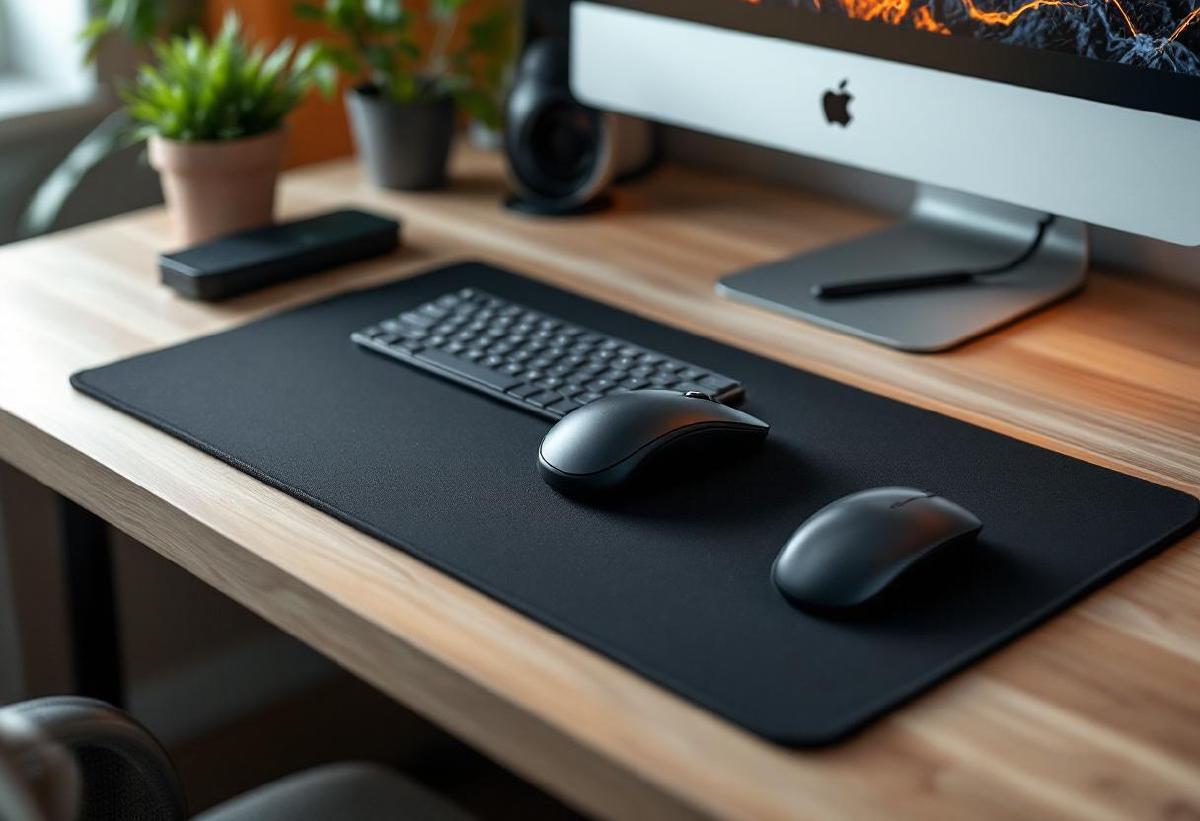
An ergonomic mouse pad fixes this by cushioning your wrist, keeping it in a neutral position, and reducing the friction that forces you to grip the mouse harder than necessary. Some use gel wrist rests, others use memory foam, and extended options cover your keyboard area too.
We’ve compared seven of the best ergonomic mouse pads for home office use in 2026, from budget gel pads to premium extended desk mats. Whether you’re already feeling wrist pain or want to prevent it, here’s what’s worth buying.
For the complete ergonomic setup, pair your mouse pad with an ergonomic keyboard and a vertical mouse.
Quick Comparison #
| Mouse Pad | Price | Type | Wrist Rest | Size | Surface | Best For |
|---|---|---|---|---|---|---|
| Logitech Studio Series | $15 / £12 | Standard + rest | Memory foam | 230×200mm | Cloth | Best overall |
| Glorious Model O Pad | $20 / £17 | Extended | Memory foam | 430×380mm | Cloth | Best extended |
| 3M Precise with Gel Rest | $18 / £15 | Standard + gel | Gel | 220×200mm | Textured plastic | Best for precision |
| Kensington ErgoSoft | $25 / £22 | Wrist rest only | Gel | 152×73mm | N/A (rest only) | Best standalone rest |
| Fellowes Crystals | $13 / £11 | Standard + gel | Gel | 230×200mm | Cloth | Best budget |
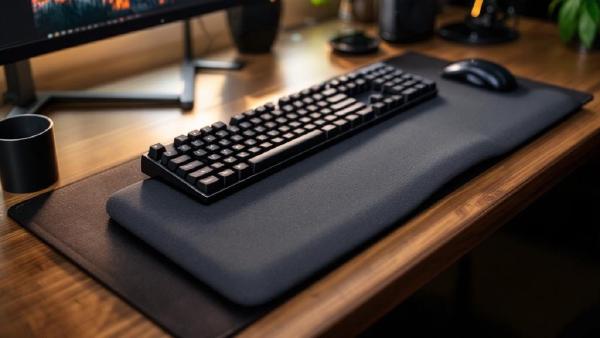
| Razer Pro Glide XXL | $30 / £25 | Extended desk mat | None (flat) | 940×410mm | Cloth | Best desk mat |
| JEDIA Ergonomic | $12 / £10 | Standard + rest | Memory foam | 250×220mm | Cloth | Best value |
1. Logitech Studio Series Mouse Pad — Best Ergonomic Mouse Pad Overall #
The Logitech Studio Series combines a quality cloth surface with an integrated memory foam wrist rest that hits the sweet spot between softness and support. The foam compresses just enough to cradle your wrist without bottoming out, and it springs back to shape after months of daily use.
The cloth surface has a good balance of speed and control — your mouse glides smoothly without feeling slippery, and the textured weave tracks well with both optical and laser sensors. The anti-slip rubber base grips your desk firmly, even on glossy surfaces.
At 230×200mm, the mousing area is adequate for most work. If you use high DPI and don’t fling your mouse across the desk, you’ll have plenty of room. The wrist rest is permanently attached and angled to keep your wrist at a neutral 10-15° extension — the position ergonomists recommend.
It comes in several neutral colours that match the Logitech Studio Series keyboard and mouse, so your desk looks intentional rather than cobbled together. At $15, it’s hard to argue with the value.
Pros:
- Memory foam wrist rest with excellent support
- Cloth surface works with all mouse sensors
- Anti-slip rubber base
- Neutral colour options that look professional
- Machine washable (gentle cycle)
- Solid value at $15
- Durable — holds shape after months of use
Cons:
- 230×200mm may be small for low-DPI users
- Wrist rest is fixed (can’t reposition independently)
- Memory foam retains heat in warm weather
- Cloth surface stains more easily than plastic
- Not ideal for fast-paced gaming
Best for: Most home office workers who want a simple, well-made mouse pad with built-in wrist support. Our top pick.
Check price on Amazon US → Check price on Amazon UK →
2. Glorious Model O Mouse Pad — Best Extended Ergonomic Pad #
The Glorious Model O pad gives you a much larger surface (430×380mm) with an integrated memory foam wrist rest that runs along the entire bottom edge. The extra width means you can sweep your mouse across a wide area without running off the edge, which is especially useful if you work with large spreadsheets, dual monitors, or design software.
The cloth surface is Glorious’s signature smooth-glide weave — it’s fast without being uncontrollable, and the stitched edges prevent fraying over time. The wrist rest detaches magnetically, so you can remove it when you want a flat pad or reposition it to match your desk angle.
This detachable design is a genuine advantage over the Logitech. If you find the wrist rest too close or too far, you can adjust. If you want to use it as a regular extended pad for a week, just pull the rest off. Flexibility that fixed designs can’t match.
Build quality is excellent throughout. The anti-slip base covers the entire underside, the stitching is tight, and the foam maintains its shape. At $20, it’s a modest premium over the Logitech for a significantly larger and more versatile pad.
Pros:
- Large 430×380mm surface area
- Magnetically detachable wrist rest
- Stitched edges prevent fraying
- Smooth, fast cloth surface
- Anti-slip full-coverage base
- Memory foam holds shape well
- Premium build at a reasonable price
Cons:
- Takes up significant desk space
- Magnetic attachment can shift if you press hard
- Only available in black
- Thicker profile than minimal mouse pads
- Overkill for simple office tasks
Best for: Users who want a large mousing surface with the option of wrist support. The most versatile extended pad available.
Check price on Amazon US → Check price on Amazon UK →
3. 3M Precise Mouse Pad with Gel Wrist Rest — Best for Precision Work #
The 3M Precise uses a different approach: instead of cloth, the mousing surface is a textured, semi-rigid plastic that provides extremely precise tracking. The battery-saving design enhances optical mouse performance, and the textured pattern eliminates the cursor drift that cloth pads can cause with low-quality sensors.
The gel wrist rest is softer and cooler than memory foam. It doesn’t retain heat the way foam does, which matters if you work in a warm home office without air conditioning. The gel conforms to your wrist shape but doesn’t compress flat — it maintains support throughout the day.
For spreadsheet work, CAD, photo editing, or any task where precise cursor positioning matters, the 3M Precise outperforms cloth pads. The surface is also incredibly easy to clean — a damp cloth wipe and it’s spotless, whereas cloth pads absorb coffee splashes and hand oils.
The trade-off is feel: the plastic surface lacks the warmth and softness of cloth. Some people find it clinical. If you prefer the tactile comfort of cloth, stick with the Logitech or Glorious. If you prioritise precision and hygiene, the 3M is hard to beat.
Pros:
- Textured plastic surface for precise tracking
- Gel wrist rest stays cool, doesn’t retain heat
- Easy to clean — just wipe down
- Extends optical mouse battery life
- Excellent cursor precision for detail work
- Non-absorbent surface resists stains
- Durable — lasts years without wear
Cons:
- Plastic surface feels cold and clinical
- Less comfortable than cloth for extended use
- Fixed wrist rest position
- Smaller than extended options
- Not suitable for gaming
- Limited colour choices
Best for: Detail-oriented workers — accountants, designers, engineers — who need pixel-precise cursor control and a pad that stays clean. Best precision pick.
Check price on Amazon US → Check price on Amazon UK →
4. Kensington ErgoSoft Wrist Rest — Best Standalone Wrist Rest #
If you already have a desk mat or mouse pad you love and just need wrist support, the Kensington ErgoSoft is a standalone gel wrist rest that sits alongside your existing setup. It’s not a mouse pad — it’s a cushioned bar that supports your wrist while you use whatever surface you prefer.
The ErgoSoft gel is firm enough to provide genuine support without squishing flat under pressure. The faux-leather cover looks professional and wipes clean easily — no exposed gel that gets sticky over time. The non-skid base keeps it in place, and at 152×73mm, it’s compact enough not to interfere with your mouse movement.
This approach makes sense for people who use extended desk mats or specific gaming pads. Rather than replacing a pad you’re happy with, add targeted wrist support where you need it. Kensington also makes a matching keyboard wrist rest, so you can support both wrists in the same style.
Pros:
- Works with any existing mouse pad or desk mat
- Firm gel provides real support
- Faux-leather cover looks professional and cleans easily
- Compact — doesn’t interfere with mouse movement
- Matching keyboard rest available
- Non-skid base stays put
- Durable construction
Cons:
- Not a mouse pad — requires separate surface
- $25 for just a wrist rest is pricey
- Faux leather can peel after 18+ months of heavy use
- Limited to one size
- No colour options beyond grey/black
- Doesn’t solve surface friction issues
Best for: Users who already have a desk mat or preferred mouse pad and want to add dedicated wrist support. Best add-on option.
Check price on Amazon US → Check price on Amazon UK →
5. Fellowes Crystals Gel Mouse Pad — Best Budget Ergonomic Pad #
The Fellowes Crystals has been a staple of office supply cupboards for years, and for good reason: it costs $13, the gel wrist rest actually works, and it lasts longer than you’d expect at the price. The gel pillow is colour-tinted (blue, purple, or clear), which adds a small pop of personality to an otherwise utilitarian product.
The wrist rest uses a softer gel than the 3M, conforming more closely to your wrist shape. It’s comfortable for all-day use and doesn’t build up heat as badly as memory foam. The cloth mousing surface is basic but functional — it tracks well with any mouse and provides enough friction for controlled movements.
At this price, the compromises are minor: the non-slip base is thin and can slide on very glossy desks, the cloth surface attracts lint, and the gel eventually develops a permanent compression dent after 12-18 months. But at $13, replacing it annually is hardly a burden.
The Staphylococcus-resistant Microban antimicrobial protection is a Fellowes marketing point — how much difference it makes in practice is debatable, but it doesn’t hurt.
Pros:
- Excellent value at $13
- Soft gel wrist rest is genuinely comfortable
- Antimicrobial Microban protection
- Multiple colour options
- Works with all mouse types
- Widely available in office supply stores
- Lightweight and portable
Cons:
- Non-slip base is thin — can slide on glossy surfaces
- Cloth surface attracts lint and dust
- Gel develops compression dent after 12-18 months
- Small mousing area
- No stitched edges — may fray over time
- Looks “office supply” rather than premium
Best for: Anyone who wants basic wrist support without spending more than $15. Best budget pick.
Check price on Amazon US → Check price on Amazon UK →
6. Razer Pro Glide XXL — Best Extended Desk Mat #
The Razer Pro Glide XXL is a full-desk extended mat (940×410mm) that covers your entire desk surface. While it doesn’t have a built-in wrist rest, the thick micro-textured cloth surface provides a consistent, comfortable mousing experience across the entire desk. Pair it with a standalone wrist rest like the Kensington ErgoSoft for the best of both worlds.
Why include a desk mat in an ergonomic mouse pad roundup? Because surface consistency affects ergonomics. When your mouse transitions from desk mat to bare desk edge, the change in friction forces you to adjust grip pressure. A full-desk mat eliminates this, keeping every mouse movement uniform and reducing unnecessary wrist strain.
The Pro Glide’s surface is optimised for office mice (not gaming), with a controlled glide that prevents the cursor from overshooting. The anti-slip base is dense rubber that stays put even during vigorous mousing. Stitched edges run the full perimeter, preventing fraying.
The XXL size accommodates your keyboard, mouse, and desk accessories on a single, unified surface. It also protects your desk from scratches and makes cleaning simple — roll it up and machine wash on gentle.
Pros:
- Full-desk coverage (940×410mm) — unified surface for everything
- Micro-textured cloth optimised for office mice
- Dense anti-slip rubber base
- Stitched edges on all sides
- Machine washable
- Protects desk surface from scratches
- Neutral grey matches any setup
Cons:
- No built-in wrist rest — need a separate one
- $30 for a desk mat (justified by size and quality)
- Large footprint requires wide desk
- Takes up the entire desk — less flexibility
- White/grey shows stains more than black
- Not for users who prefer bare desk feel
Best for: Users who want a single, consistent surface covering their entire desk. Best desk mat option — pair with a standalone wrist rest for ergonomic support.
Check price on Amazon US → Check price on Amazon UK →
7. JEDIA Ergonomic Mouse Pad — Best Value Pick #
The JEDIA is a no-name Amazon pad that punches above its weight. At $12, you get a 250×220mm cloth surface with an integrated memory foam wrist rest that’s surprisingly comfortable. The foam is denser than expected, providing genuine support rather than the flat-after-a-week experience typical of ultra-cheap pads.
The larger-than-average mousing area (250mm vs the typical 230mm) gives you more room to move, and the cloth surface tracks well with both budget and premium mice. The anti-slip base holds firm. It’s not going to impress anyone with its aesthetics — it looks exactly like what it is, a functional office accessory — but it does the job.
At this price, it’s essentially risk-free. If you’re unsure whether an ergonomic mouse pad will help your wrist pain, this is the $12 experiment. If it works and you want something nicer, upgrade to the Logitech or Glorious. If it works and you don’t care about looks, keep using it.
Pros:
- Outstanding value at $12
- Dense memory foam wrist rest
- Larger-than-average mousing area (250×220mm)
- Comfortable for all-day use
- Works with all mouse sensors
- Anti-slip base holds well
- Minimal, functional design
Cons:
- Generic branding and appearance
- No stitched edges — will eventually fray
- Limited colour options (black/grey)
- Memory foam retains heat
- No packaging or case for portability
- Quality control varies — occasional manufacturing defects
Best for: Anyone who wants to try an ergonomic mouse pad for under $15 with minimal risk. Best value pick.
Check price on Amazon US → Check price on Amazon UK →
How to Use an Ergonomic Mouse Pad Correctly #
Even the best mouse pad won’t help if you use it wrong. Here’s how to get the ergonomic benefit:
Wrist Position #
Your wrist should rest lightly on the pad’s cushion — not press down hard. The support is there to prevent your wrist from bending downward (extension), not to bear your arm’s weight. Keep your forearm roughly parallel to the desk, and let the wrist rest provide a gentle stop.
Mouse Grip #
With proper wrist support, you can relax your grip on the mouse. Most wrist strain comes from gripping too hard to compensate for a slippery or uneven surface. An ergonomic pad reduces this by providing consistent friction.
Breaks Still Matter #
No mouse pad replaces regular breaks. Follow the 20-20-20 rule: every 20 minutes, look at something 20 feet away for 20 seconds, and shake out your hands. If you’re using a standing desk, alternate between sitting and standing throughout the day.
Consider Your Mouse Too #
An ergonomic mouse pad works best alongside an ergonomic mouse. A vertical mouse puts your hand in a natural “handshake” position that further reduces wrist strain. The combination of vertical mouse + padded surface is the gold standard for wrist health.
Frequently Asked Questions #
Do ergonomic mouse pads actually help with carpal tunnel? #
They can help prevent and reduce symptoms by keeping your wrist in a neutral position, but they’re not a medical treatment. If you have diagnosed carpal tunnel syndrome, see a doctor. An ergonomic mouse pad is a preventative measure and comfort improvement, not a cure.
Memory foam vs gel wrist rest — which is better? #
Memory foam provides firmer, more consistent support and moulds to your wrist shape. Gel is softer and stays cooler. If your office is warm, gel is better. If you want more structured support, foam is better. Both are effective — it comes down to personal preference.
How often should I replace my mouse pad? #
Replace it when the wrist rest no longer springs back (typically 12-24 months for gel, 18-36 months for quality memory foam), or when the surface becomes smooth and loses tracking friction. Budget pads wear out faster.
Can I wash an ergonomic mouse pad? #
Most cloth-surface pads are machine washable on a gentle cycle with cold water. Air dry only — heat from a dryer will destroy foam and gel inserts. Check the manufacturer’s instructions first.
Should I use a wrist rest with a vertical mouse? #
Yes, but the support point shifts. With a vertical mouse, your wrist rests on its side rather than palm-down. A standard wrist rest still provides a cushioned surface, but you may find a rounded or cylindrical rest more comfortable with vertical mice.
Is a desk mat better than a mouse pad with wrist rest? #
They serve different purposes. A desk mat provides a consistent surface across your whole desk but no wrist support. A mouse pad with wrist rest provides targeted support in a smaller area. For best results, use a desk mat with a standalone wrist rest.
Complete your ergonomic desk setup with an ergonomic chair, keyboard wrist rest, monitor arm at eye level, and a footrest under your desk.