Privacy Policy

·2 mins
Table of Contents

Last updated: 25 February 2026

Who We Are
#

Home Desk Lab (homedesklab.com) is a product review and recommendation website focused on home office equipment. We are a participant in the Amazon Associates Programme and other affiliate programmes.

Information We Collect
#

Analytics Data
#

We use Cloudflare Web Analytics to understand how visitors use our site. This collects anonymous, aggregated data such as page views and referral sources. No personal data or cookies are used for analytics.

Cookies
#

Our site uses minimal cookies required for basic functionality. We do not use tracking cookies or advertising cookies.

Affiliate Links #

Our articles contain affiliate links to Amazon and other retailers. When you click these links, the retailer may set their own cookies to track the referral. This is governed by the retailer’s own privacy policy.

How We Use Information
#

We use anonymous analytics data solely to:

  • Understand which content is most useful to our readers
  • Improve our articles and recommendations
  • Guide future content decisions

Third-Party Services
#

We use the following third-party services:

Your Rights
#

You have the right to:

  • Access any personal data we hold about you
  • Request deletion of your data
  • Opt out of analytics (Cloudflare Web Analytics is cookieless and privacy-focused by design)

Children’s Privacy
#

Our site is not directed at children under 13. We do not knowingly collect data from children.

Changes to This Policy
#

We may update this policy from time to time. Changes will be posted on this page with an updated date.

Contact
#

If you have questions about this privacy policy, you can reach us at: [email protected]
Related

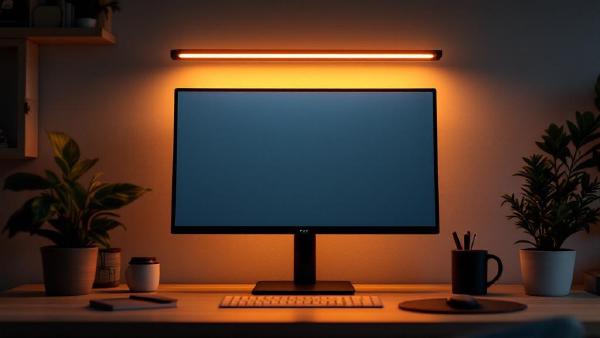
6 Best Monitor Light Bars in 2026 (Tested & Compared)

If you’ve ever battled glare on your screen or squinted at your keyboard in a dim room, a monitor light bar is the simplest upgrade you haven’t made yet. Unlike a traditional desk lamp, a light bar clips directly onto your monitor, illuminating your desk surface without any light spilling onto the screen. The result: zero glare, less eye strain, and a desk free of lamp clutter. For anyone spending 6+ hours a day at a home office setup, it’s a no-brainer.

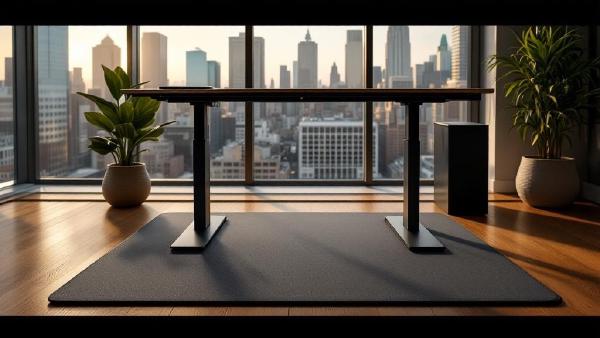
6 Best Standing Desk Mats (Anti-Fatigue) in 2026

A standing desk without an anti-fatigue mat is like running shoes without insoles — technically functional, completely miserable after an hour. Standing on a hard floor causes foot pain, leg fatigue, and lower back ache that makes you sit back down and never stand again. An anti-fatigue mat solves this by giving your feet a cushioned, slightly unstable surface that encourages micro-movements. Your muscles stay active instead of locking up, blood keeps flowing, and you can comfortably stand for 2–4 hours without discomfort.

7 Best USB Microphones for Home Office in 2026

Your webcam microphone sounds terrible. Your headset mic is better, but you’re tired of wearing headphones for 8 hours. A dedicated USB microphone is the upgrade that makes you sound professional on every call — without anything on your head. The difference on video calls is immediate. Colleagues stop asking “can you repeat that?” Background noise disappears. Your voice sounds full, clear, and present. For anyone doing regular Zoom, Teams, or Google Meet calls, a good USB mic is one of the highest-impact home office upgrades you can make.

Best Cable Management Solutions for Home Office 2026

Cable clutter is the difference between a desk that looks professional and one that looks like a server room exploded. And it’s not just aesthetics — tangled cables are harder to troubleshoot, collect dust, restrict airflow, and make cleaning underneath your desk an ordeal. If you’ve invested in quality peripherals and a proper standing desk, spending $20–40 on cable management completes the setup. The good news is that cable management doesn’t have to be complicated. A combination of two or three solutions — a cable tray, some Velcro ties, and maybe a cable box — can transform a messy desk into a clean one in under an hour. No special skills required.

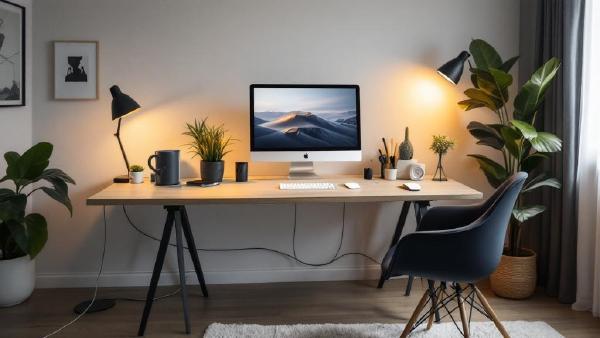
Best Desk Accessories for Home Office in 2026: 7 Upgrades That Actually Matter

Your desk setup is only as good as the accessories on it. A great monitor on a great standing desk still feels chaotic if cables snake everywhere, your laptop teeters on a stack of books, and every flat surface is buried under pens, chargers, and sticky notes. The right desk accessories turn that cluttered surface into a focused, productive workspace — and you don’t need to spend a fortune to get there.

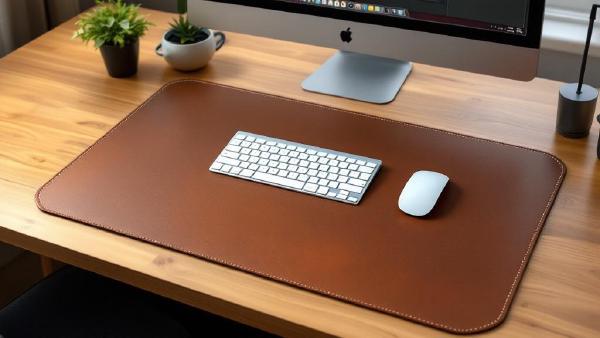
Best Desk Mats 2026: Protect and Style Your Workspace

A desk mat does more than you’d think. It protects your desk surface from scratches, scuffs, and coffee rings. It gives your mouse a smooth, consistent tracking surface across the entire desk. It dampens keyboard noise — particularly noticeable with mechanical keyboards. And it ties your whole setup together visually, turning a bare desk into something that looks intentional. If you’ve invested in a good keyboard and mouse, a quality desk mat is the surface they deserve to sit on. And if your desk is real wood or glass, a mat prevents the gradual wear that daily use inevitably causes.