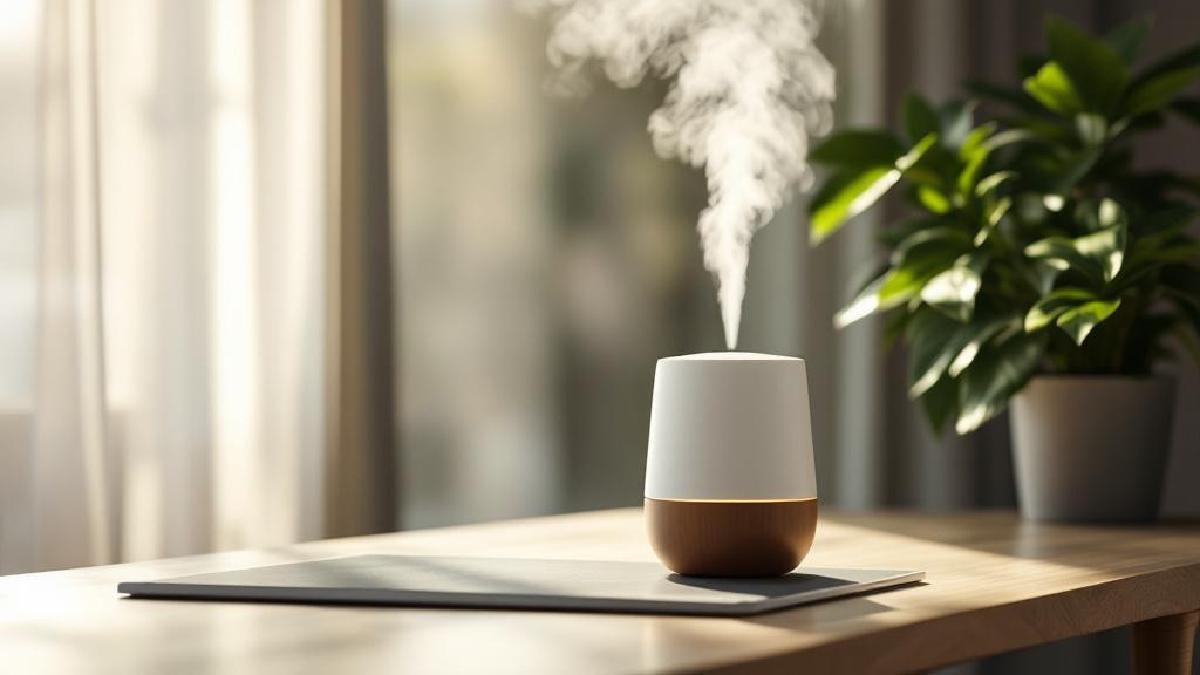
Dry air is the invisible problem in home offices. Heating systems in winter and air conditioning in summer strip moisture from the air, leaving you with dry eyes, cracked lips, scratchy throats, and static-shocked keyboards. If you’ve ever wondered why you feel drained after a day at your desk despite drinking plenty of water — low humidity is a likely culprit.
A desk humidifier sits right in your workspace and adds moisture exactly where you need it. They’re small, quiet, and use minimal power. No plumbing, no installation — just fill, plug in, and breathe easier.
Here are the 6 best desk humidifiers for home offices in 2026.
Our Top Picks at a Glance #
| Humidifier | Best For | Type | Tank Size | Run Time | Price (USD) |
|---|---|---|---|---|---|
| Levoit LV600S | Best overall | Ultrasonic (warm + cool) | 6L | Up to 50 hours | ~$70 |
| Canopy Humidifier | Best no-mist design | Evaporative | 2.5L | Up to 36 hours | ~$150 |
| Hey Dewy Portable | Best compact option | Ultrasonic (cool) | 400ml | Up to 8 hours | ~$40 |
| Vicks Filter-Free | Best budget pick | Ultrasonic (cool) | 1.2L | Up to 30 hours | ~$25 |
| Smartmi Evaporative 3 | Best smart features | Evaporative | 5L | Up to 40 hours | ~$130 |
| BONECO U350 | Best for larger offices | Ultrasonic (warm + cool) | 9L | Up to 60 hours | ~$180 |
1. Levoit LV600S — Best Overall #
The Levoit LV600S is the most complete desk-friendly humidifier you can buy. It outputs both warm and cool mist, covers up to 753 sq ft, and runs for up to 50 hours on low — meaning you fill the 6L tank on Monday and forget about it until Wednesday or Thursday.
The smart features via the VeSync app let you set target humidity levels, create schedules, and adjust mist output from your phone. It also works with Alexa and Google Home. The auto mode uses a built-in sensor to maintain your target humidity without over-humidifying.
For a home office, the key metric is noise — and the LV600S runs at just 28 dB on its lowest setting. That’s quieter than a whisper. You genuinely forget it’s there.
Pros:
- Warm and cool mist options
- 6L tank — up to 50 hours runtime
- Smart app control + voice assistant support
- Auto mode maintains target humidity
- 28 dB on low — virtually silent
- Essential oil tray included
Cons:
- Larger than most desk humidifiers (might need floor placement)
- Warm mist mode uses more power
- White dust possible without distilled water
- Tank is wide and can be awkward to fill under a tap
👉 Check price on Amazon US | Amazon UK
2. Canopy Humidifier — Best No-Mist Design #
The Canopy is different from every other humidifier on this list. Instead of spraying visible mist into the air (which can settle on electronics and create white dust), it uses evaporative technology to release invisible moisture. Water passes through a disposable filter, and a fan pushes hydrated air out through the top.
This is a big deal for home offices. Ultrasonic humidifiers can deposit mineral dust on monitors, keyboards, and lenses. The Canopy eliminates that entirely. It’s also inherently anti-mould — the UV light in the water basin and the disposable filter mean bacteria can’t build up the way they do in standing-water ultrasonic tanks.
The design is beautiful — minimal, matte, and small enough to sit between your monitor and coffee mug. The 2.5L tank lasts up to 36 hours, and the dishwasher-safe components make cleaning painless.
Pros:
- No visible mist — no white dust on electronics
- UV light + disposable filter prevents mould and bacteria
- Beautiful, minimal design fits any desk
- Dishwasher-safe components
- 36-hour runtime
- Aroma diffuser compatible
Cons:
- $150 is the most expensive on this list
- Replacement filters needed every 45 days (~$14 each)
- Only covers ~500 sq ft
- Fan is audible (not silent like ultrasonic units)
👉 Check price on Amazon US | Amazon UK
3. Hey Dewy Portable Humidifier — Best Compact Option #
If desk space is at a premium, the Hey Dewy is barely larger than a water bottle. The 400ml tank is tiny, but it’s designed to humidify your immediate workspace — roughly a 2-foot radius around your face. For personal use at a desk, that’s all you need.
Originally designed for skincare enthusiasts (it’s hugely popular on beauty TikTok), it’s become a cult favourite among remote workers who want moisture without a bulky appliance. The USB-powered design means it runs off your laptop or monitor’s USB port — no power outlet required.
The 8-hour runtime covers a full workday, and the auto-shutoff kicks in when the tank empties. At $40, it’s an impulse buy that genuinely improves your comfort.
Pros:
- Tiny footprint — fits anywhere on a desk
- USB-powered — no outlet needed
- 8 hours covers a full workday
- Auto-shutoff when empty
- Silent operation
- Under $40
Cons:
- 400ml tank needs daily refilling
- Only humidifies immediate area (~2 ft radius)
- Cool mist only
- No humidity sensor or smart features
- Plastic build feels cheap
👉 Check price on Amazon US | Amazon UK
4. Vicks Filter-Free Cool Mist — Best Budget Pick #
Vicks has been making humidifiers for decades, and the filter-free cool mist is their simplest, most reliable model. No filters to replace, no app to configure, no smart features — just fill the 1.2L tank, turn the dial, and it runs for up to 30 hours.
The lack of a filter means lower ongoing costs, but it also means you should use distilled water to avoid white mineral dust. The tank is translucent so you can see the water level at a glance, and the wide opening makes filling and cleaning easy.
At $25, this is the lowest-cost option that actually works well. If you want a humidifier without any fuss or commitment, this is it.
Pros:
- $25 — cheapest quality option
- No replacement filters needed
- 30-hour runtime from 1.2L tank
- Simple dial operation — no learning curve
- Easy to fill and clean
- Trusted brand
Cons:
- No humidity sensor — manual control only
- White dust without distilled water
- Basic design — not the prettiest
- No warm mist option
- No smart features
👉 Check price on Amazon US | Amazon UK
5. Smartmi Evaporative Humidifier 3 — Best Smart Features #
The Smartmi Evaporative 3 (by Xiaomi’s ecosystem) is the most technologically advanced desk humidifier available. It uses evaporative technology (no white dust), has a built-in humidity sensor, and connects to the Xiaomi Home app for full remote control, scheduling, and automation.
The real standout is the integration with smart home ecosystems. Set it to activate when your office humidity drops below 40%, turn it off when you leave the room via a motion sensor, or include it in your morning routine automation. It works with HomeKit, Alexa, and Google Home.
The 5L tank lasts up to 40 hours, and the evaporative design naturally self-regulates — it won’t over-humidify. The 4-layer filtration system catches impurities, and the top-fill design makes refilling simple.
Pros:
- Smart home integration (HomeKit, Alexa, Google)
- Evaporative — no white dust, self-regulating
- Built-in humidity sensor with auto mode
- 5L tank — 40-hour runtime
- Top-fill design
- Very quiet operation
Cons:
- $130 — premium pricing
- Replacement filters needed every 3-6 months
- Xiaomi Home app required for full features
- Evaporative output is lower than ultrasonic in very dry conditions
👉 Check price on Amazon US | Amazon UK
6. BONECO U350 — Best for Larger Offices #
If your home office is a dedicated room rather than a desk corner, the BONECO U350 has the capacity to handle it. The 9L tank is the largest on this list, running up to 60 hours between refills. It covers up to 860 sq ft with both warm and cool mist output.
The intelligent auto mode uses a hygrostat to measure room humidity and adjusts output automatically. The warm mist mode heats water to 80°C before dispersing it, which kills bacteria and provides a slight warming effect in winter — a nice bonus for home offices in cold climates.
BONECO is a Swiss brand with 60+ years in air treatment. The build quality reflects that heritage — this feels like a proper appliance, not a plastic gadget. The cleaning reminder and replaceable filter keep maintenance simple.
Pros:
- 9L tank — up to 60 hours runtime
- Covers 860 sq ft — handles full rooms
- Warm mist kills bacteria
- Swiss build quality
- Intelligent hygrostat auto mode
- Quiet at 25 dB on low
Cons:
- $180 — the priciest option here
- Too large for a desk — needs floor or shelf space
- Heavy when full (12+ lbs)
- Replacement filters add ongoing cost
👉 Check price on Amazon US | Amazon UK
Ultrasonic vs Evaporative: Which Is Better for a Home Office? #
Ultrasonic humidifiers vibrate water at ultrasonic frequencies to create a fine mist. They’re silent, cheap, and effective — but they can create white mineral dust on electronics if you use tap water. Solution: use distilled or demineralised water.
Evaporative humidifiers pull air through a wet filter, releasing invisible moisture. They can’t over-humidify (evaporation slows as humidity rises), produce no white dust, and are generally more hygienic. But they’re slightly louder due to the fan, and filters need replacing.
For a home office: If you’re willing to use distilled water, ultrasonic is the better choice — cheaper, quieter, and simpler. If you want zero risk to your electronics and don’t mind replacing filters, evaporative is safer.
What Humidity Level Should Your Office Be? #
The ideal indoor humidity for comfort and health is 40-60%. Below 30%, you’ll notice dry skin, static electricity, and respiratory irritation. Above 60%, mould and dust mites thrive.
Invest in a cheap hygrometer (~$10) to monitor your office humidity. Many smart humidifiers have built-in sensors, but a separate hygrometer placed at desk level gives you a more accurate reading of your breathing zone.
Frequently Asked Questions #
Can a humidifier damage my computer or electronics? #
Ultrasonic humidifiers can deposit mineral dust on electronics if you use tap water. Use distilled water or choose an evaporative humidifier to eliminate this risk. Keep the humidifier at least 2 feet from electronics, and never point the mist nozzle directly at your monitor or laptop.
How often do I need to clean a desk humidifier? #
Clean the tank every 3-5 days to prevent bacteria and mould growth. Empty old water daily if possible. Ultrasonic models need periodic descaling (weekly with tap water). Evaporative models need filter replacements every 1-6 months depending on the brand.
Is warm or cool mist better? #
For a home office, cool mist is usually sufficient and uses less energy. Warm mist is beneficial in cold climates (adds slight warmth) and kills bacteria through boiling. Both achieve the same humidity increase — the choice is mainly about personal comfort and climate.
Will a small desk humidifier actually make a difference? #
Yes — even a 400ml personal humidifier noticeably improves the air in your immediate breathing zone (2-3 foot radius). For a full room, you’ll want a 2.5L+ model. The effect is most noticeable on skin hydration, eye comfort, and throat dryness.
Can I use essential oils in my humidifier? #
Only if the manufacturer specifically supports it (usually via a separate aroma tray). Adding oils directly to the water tank can damage ultrasonic elements, clog filters, and void warranties. The Levoit LV600S and Canopy both have dedicated aroma features.
How much does it cost to run a desk humidifier? #
Most desk humidifiers use 20-40 watts — roughly the same as a light bulb. Running one for 10 hours a day costs about $1-2 per month in electricity. Even warm mist models rarely exceed $5/month.
Related Articles #
Creating a more comfortable workspace? These guides complement your setup:
- Best Desk Lamp for Home Office — proper lighting reduces eye strain
- Best Office Plants for Your Desk — natural air quality improvement
- Best Monitor Light Bar 2026 — reduce glare and eye fatigue
- Best Desk Accessories for Home Office — complete your workspace
- Home Office Setup Guide for Beginners — start from scratch